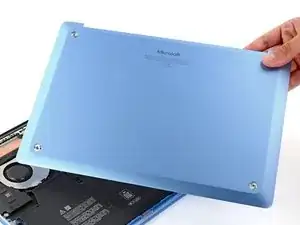
Introdução
Follow this guide to replace a damaged lower case (aka bottom cover) on your Microsoft Surface Laptop 7 (13.8‑inch).


-
-
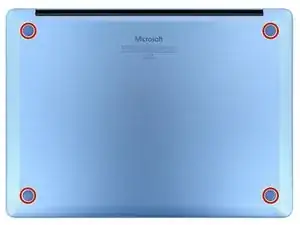
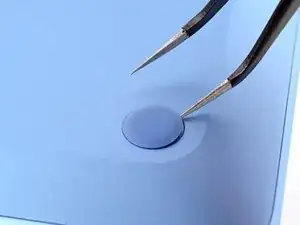
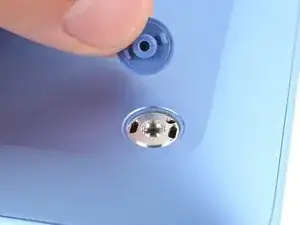
Gently slide one arm of your angled tweezers into the recess near the upper right edge of one of the feet.
-
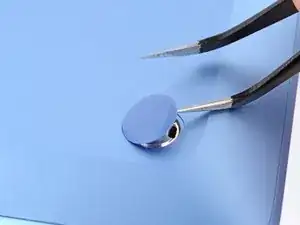
Use your tweezers to pry up and remove the foot.
-
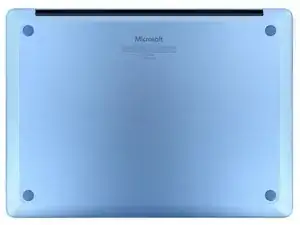
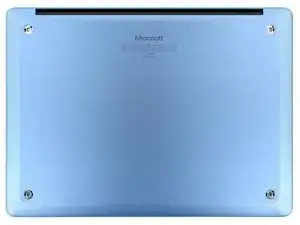
Repeat the process to remove the remaining feet.
-
-
-
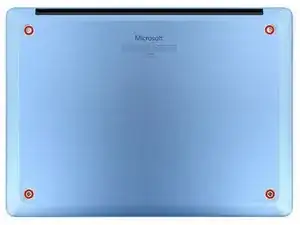
Use a Torx Plus 5IP screwdriver to remove the four 4.5 mm‑long screws (with washers) securing the lower case.
-
-
-
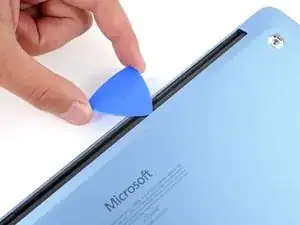
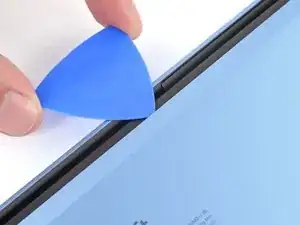
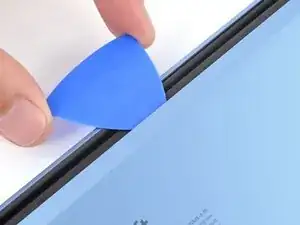
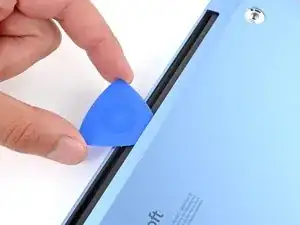
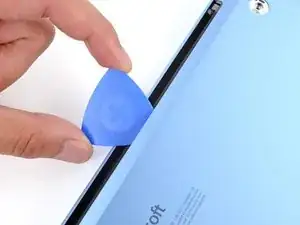
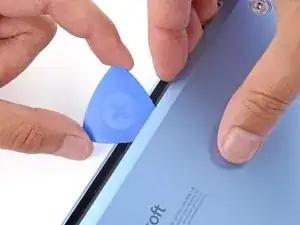
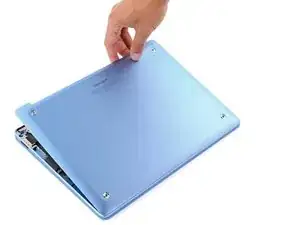
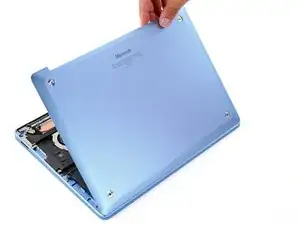
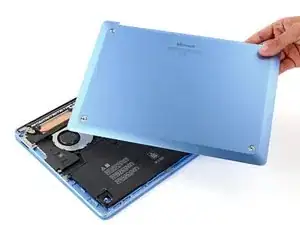
Insert the tip of an opening pick under the top edge of the lower case, about an inch (2.5 cm) to the left or right of the Microsoft logo.
-
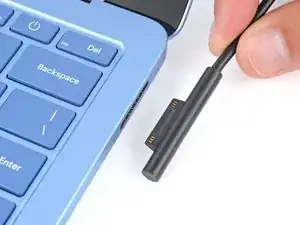
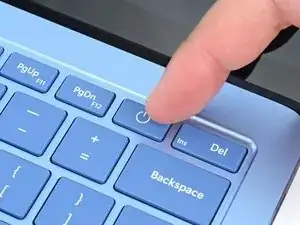
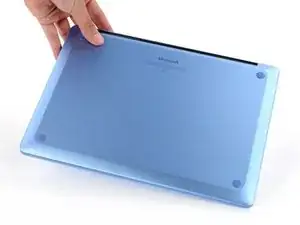
To reassemble your device, follow these instructions in reverse order.
Repair didn’t go as planned? Try some basic troubleshooting, or ask our Answers community for help.

3 comentários
where can i purchase 4 spare screws for the bottom of this laptop?
Brian -
I would like to know the same thing. I'v lost one of my screws off my Surface laptop 7. Does anyone know what size screw is needed?
i got same problem and need these 4 spare screws