Introdução
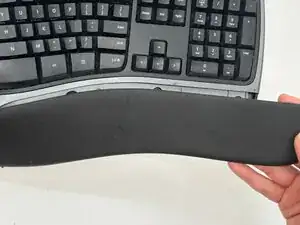
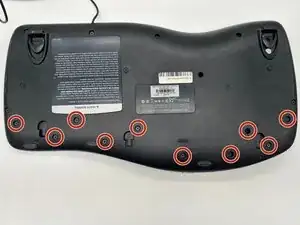
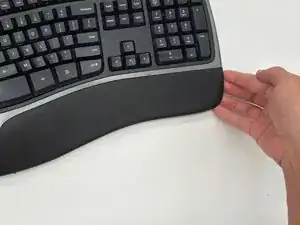
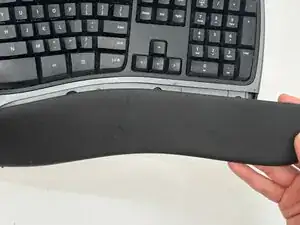
If you need help opening the wrist rest of your Microsoft Natural Ergonomic Keyboard 4000 v1.0, this guide is for you. This process will allow you to remove the wrist rest without causing damage. Sometimes, removing screws can get messy, so be careful not to lose any and be organized!
For this guide, you will need a Phillips #1 screwdriver.
Ferramentas


Conclusão
To reassemble your device, follow these instructions in reverse order.