Introdução
This guide will show you how to remove and replace a key cap on your Microsoft Natural Ergonomic Keyboard 4000 v1.0. Replacing a key cap can help fix proper typing function and improve the overall look of your keyboard. Sometimes removing the key cap may require gentle pressure, so be careful not to damage the surrounding keys or the switch beneath it.
Ferramentas

-
-
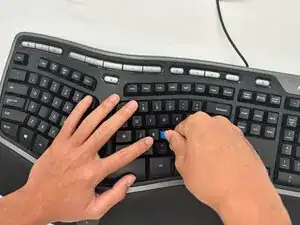
Place your plastic opener tool in the gap between the key cap you want to remove and an adjacent key.
-
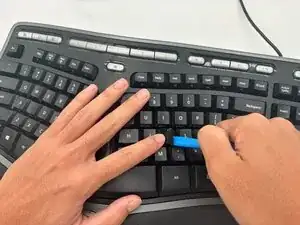
Gently apply pressure onto the opener tool until the key cap pops off.
-
Conclusão
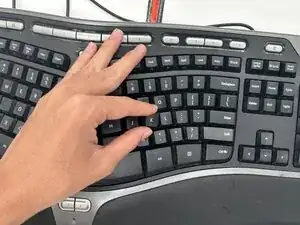
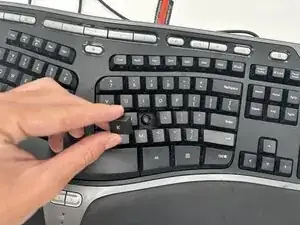
To reassemble your device, follow these instructions in reverse order.