Introdução
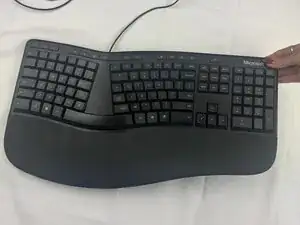
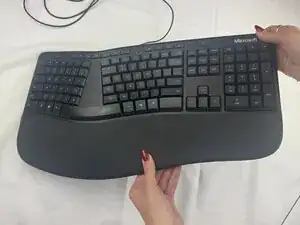
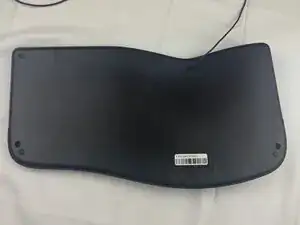
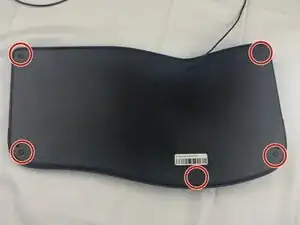
If your Microsoft LXM-00001 device wobbles or sits unevenly on flat surfaces, then use this guide to replace its rubber feet. Before beginning, power off the device and disconnect any power sources.
Ferramentas

-
-
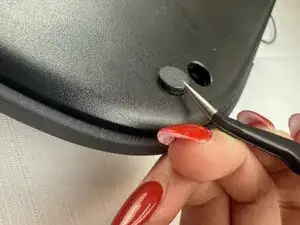
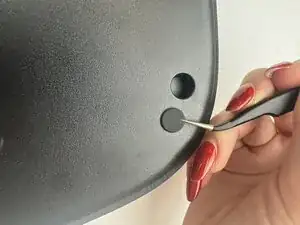
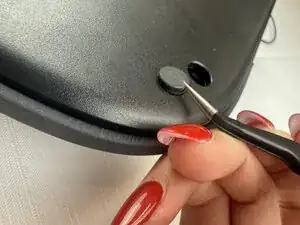
Slide the curved tweezers under the edge of one of the rubber feet.
-
Gently lift straight up, removing the rubber foot.
-
Conclusão
To reassemble your device, follow these instructions in reverse order.