Introdução
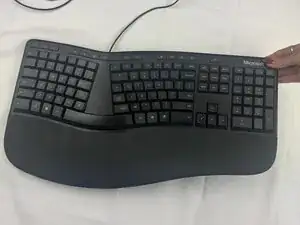
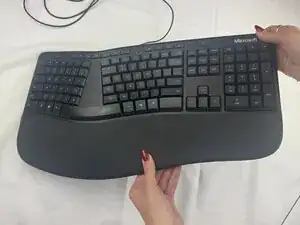
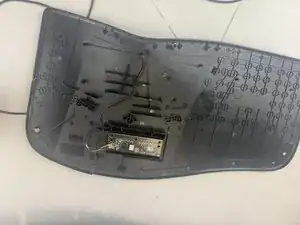
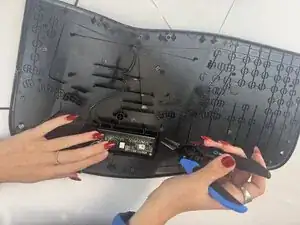
If your Microsoft LXM-00001 device is showing signs of severe malfunction, use this guide to replace the printed circuit board (PCB). Problems with the PCB can stem from liquid damage, electrical failure, or physical impact. Before starting, fully power off the device, disconnect any power sources, and take extra care around fragile connectors and waterproofing seals.


-
-
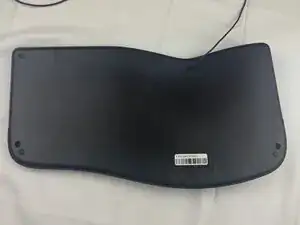
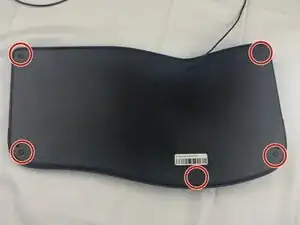
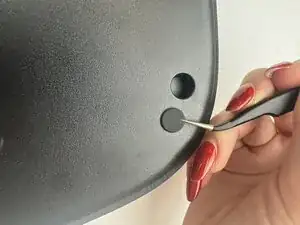
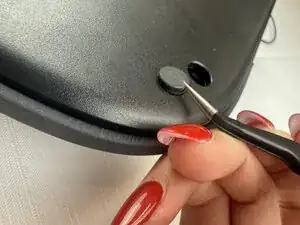
Slide the curved tweezers under the edge of one of the rubber feet.
-
Gently lift straight up, removing the rubber foot.
-
-
-
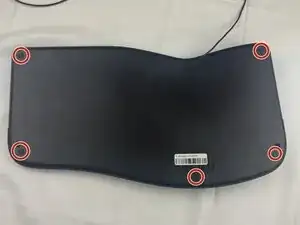
Remove the five 6 mm screws beneath the rubber feet using a Phillips #2 screwdriver.
-
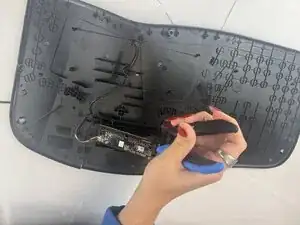
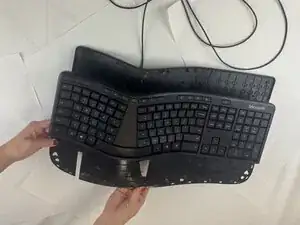
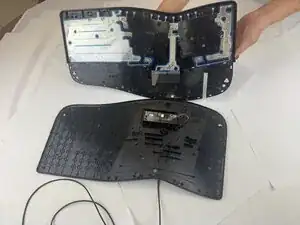
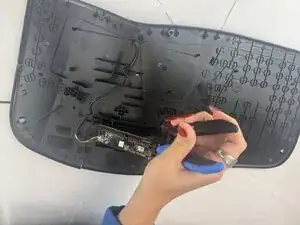
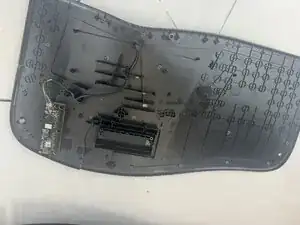
Using plastic spudgers, tweezers, pliers, and brute force, separate the front of the keyboard from the back of the keyboard.
-
To reassemble your device, follow these instructions in reverse order.