Introdução

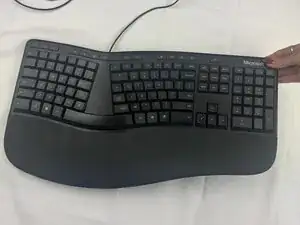
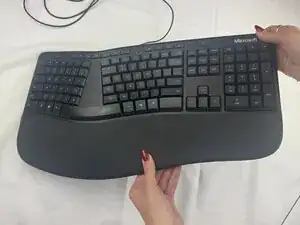
If your Microsoft LXM-00001 device is experiencing unresponsive or inconsistent button inputs, then use this guide to replace the internal rubber membrane. A worn or damaged membrane can cause missed inputs.

  1. eoGgsTxUy4MXFGL4
    eoGgsTxUy4MXFGL4
    QGdLiEpmPKGaejTV
    QUdfTHEUKewdOWni
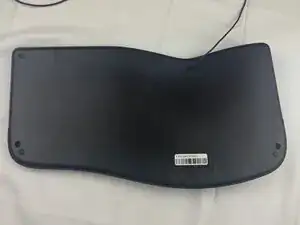
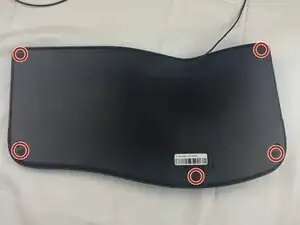
    • Turn the keyboard face down.

  2. cDvNDEffKlg6bOm3
    cDvNDEffKlg6bOm3
    BpnWaZHP3SqyGcWe
    eUI2Fp2DuBfP3LDP
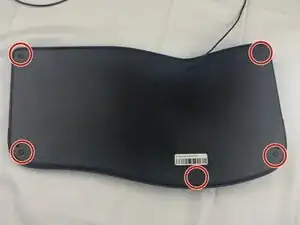
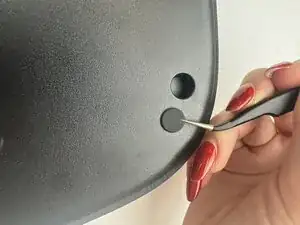
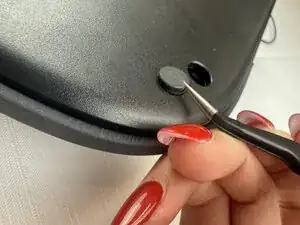
    • Slide the curved tweezers under the edge of one of the rubber feet.

    • Gently lift straight up, removing the rubber foot.

    • Repeat on the remaining rubber feet.

  3. i5JpjMfFVmFTRfxN
    i5JpjMfFVmFTRfxN
    KpkFYUvX54lL3B3L
    1LMlAHcPTdufan3p
    • Remove the five 6 mm screws beneath the rubber feet using a Phillips #2 screwdriver.

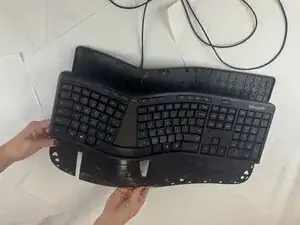
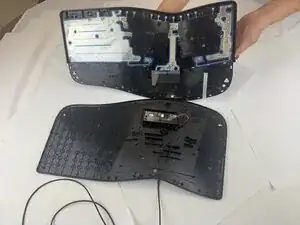
    • Using plastic spudgers, tweezers, pliers, and brute force, separate the front of the keyboard from the back of the keyboard.

    • Use caution as parts may fly off.

  4. nkNyoRUMCsnwdyl6
    nkNyoRUMCsnwdyl6
    Xdt62jqkQoBy6VSH
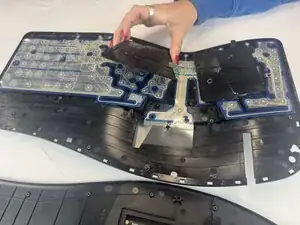
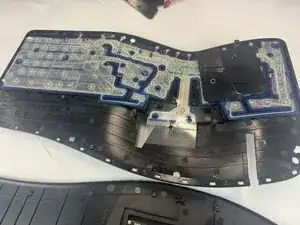
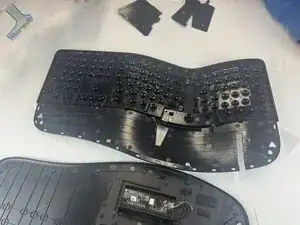
    • Lift the two black flexible circuit board components out of the keyboard.

  5. AwFX6R25DsUhUDpS
    AwFX6R25DsUhUDpS
    StbEv1XVBKHBiQB2
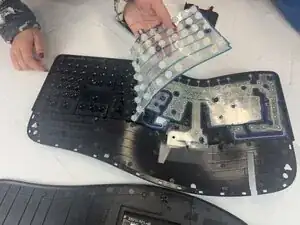
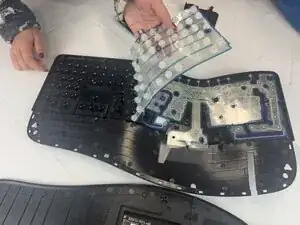
    • Carefully peel away the internal rubber membrane from the keyboard.

Conclusão

To reassemble your device, follow these instructions in reverse order.

Mary Green

Membro desde: 24/09/25

409 Reputação

0 comentários