Introdução

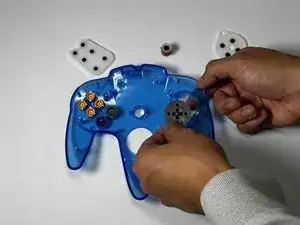
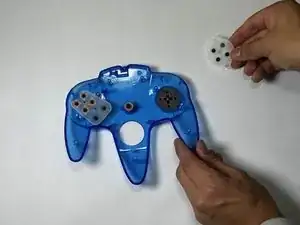
This guide demonstrates how to replace the buttons on the Miadore Classic N64 Controller. If the buttons are damaged or just misaligned, this guide can help solve your issue. This guide can also be used if you just want to change the buttons with custom buttons.

Before you replace the buttons, you may want to review the Miadore Classic N64 Controller Buttons are Unresponsive troubleshooting page for tips on how to resolve your issue.

Unplug the controller from your device before you begin this repair.

  1. AyZ2ZDB2vSbnRy2N
    AyZ2ZDB2vSbnRy2N
    YGPIJr2teysrCXya
    Jrr4QEIC6B4qKKs6
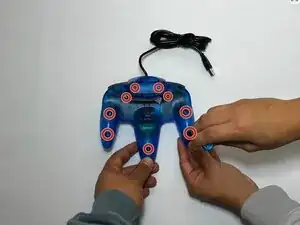
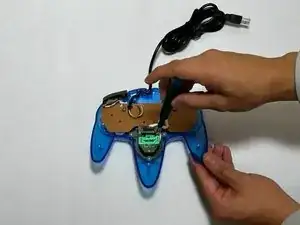
    • Use a Phillips #000 screwdriver to remove all nine 3.2 mm screws from the back of the controller.

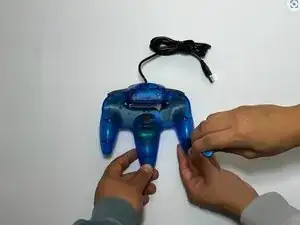
    • Place the end of a spudger in the seam between the top and bottom of the controller to release the clips holding them together.

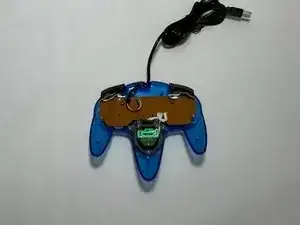
    • Separate the top and bottom cover of the controller.

  2. vDIjLTBc6OPo2QxS
    vDIjLTBc6OPo2QxS
    QXHtfmW6s1sqrxoJ
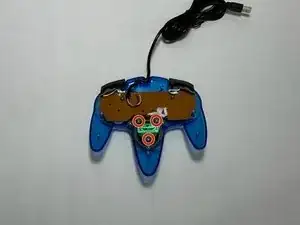
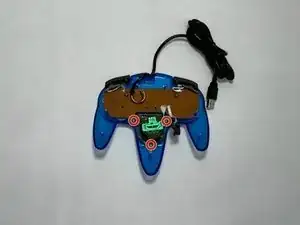
    • Remove the three 3.2 mm Phillips #000 screws holding the motherboard in place.

    • The motherboard will still be in place after the screws are removed.

  3. bDti4nQ4aEKZkcQZ
    bDti4nQ4aEKZkcQZ
    fQtNuN1BJQYDl2wM
    DRs63LiTDg4dAVO5
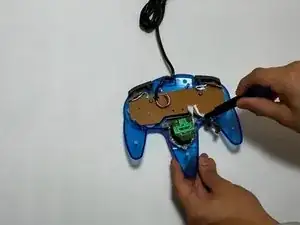
    • Remove the three 3.2 mm Phillips #000 screws holding the joystick module in place.

    • Remove the joystick module.

  4. RcbTJPETnEfjRxXC
    RcbTJPETnEfjRxXC
    KfZRXSjiYUjqNLyI
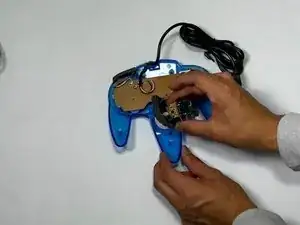
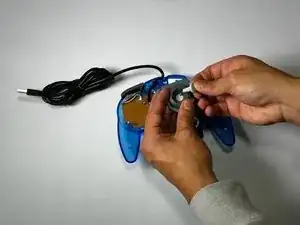
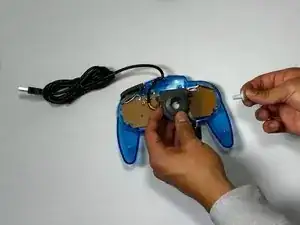
    • Remove the joystick by pulling it away from the plastic needle-like object holding it in place.

    • Replace it with a new or custom joystick.

  5. GIcVILoYJDRkeILx
    GIcVILoYJDRkeILx
    KHBwLcUmuqdnLg4G
    geA2SBA34qPJnsSp
    • Remove the right and left bumper.

    • If the bumper buttons are the buttons that need to be replaced, you can stop here.

  6. j22aolFEGF5Q6ucG
    j22aolFEGF5Q6ucG
    QeQ1nE4pAERoxZZ3
    wZxNPdCXKkEBLFNH
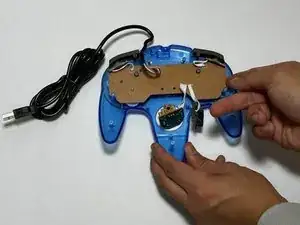
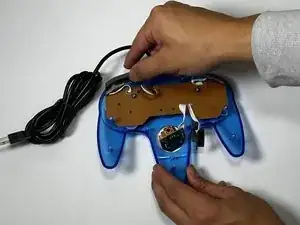
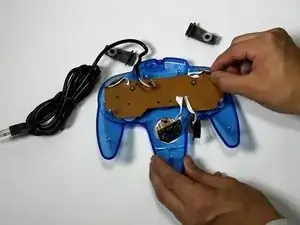
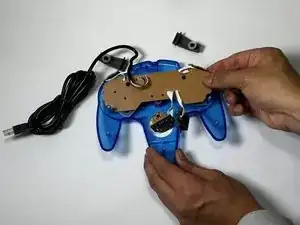
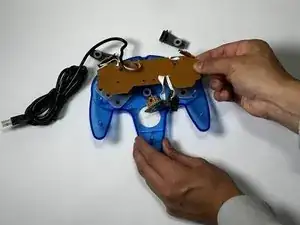
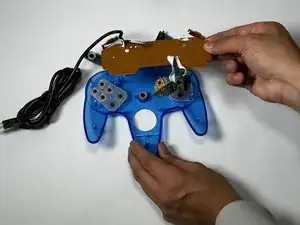
    • Pull the motherboard up with even pressure on all sides.

    • Set the motherboard to the side.

  7. PMDNGu6BVNDGhYv2
    PMDNGu6BVNDGhYv2
    33IEG4KSJV1wFfsb
    UFin4NmLl4pNsDYI
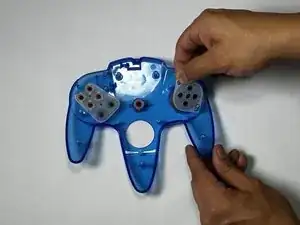
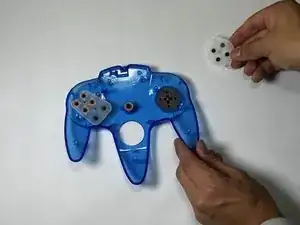
    • Remove the rubber gaskets.

    • This will reveal the buttons underneath.

  8. rspMcPqrR5XZrwWo
    rspMcPqrR5XZrwWo
    JHDiqhqZljtvZlry
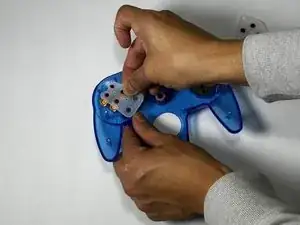
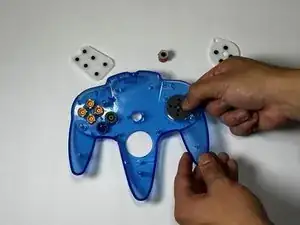
    • Push up from the bottom of the controller to pop the buttons out.

Conclusão

To reassemble your device, follow these instructions in reverse order.

angel villagomez

Membro desde: 16/09/24

301 Reputação

0 comentários