Introdução
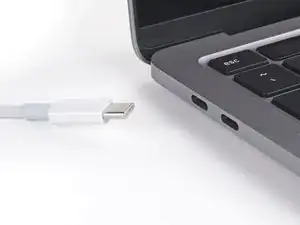
This guide demonstrates common safety precautions to follow before repairing a MacBook.
-
-
Unplug all cables and fully shut down your MacBook.
-
Close the lid and flip your MacBook over. Keep the lid closed until you've physically disconnected the battery.
-
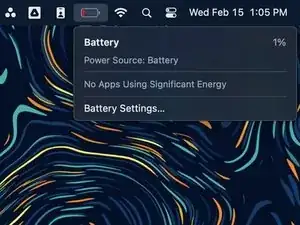


"Allowing battery...10%...catch fire" is scare mongering. If someone is so brutal they are puncturing holes in anything on the laptop, they have no business opening the case in the first place. Computer repair is a delicate process. The batteries are not gunpowder. If they were prone to explode into flames that easily they would not be in the laptops in the first place. Due caution is warranted--but it is impractical and unnecessary to wait for a battery to discharge. Unhook it immediately, and be done with it.
B. A. Computer Services -