Introdução
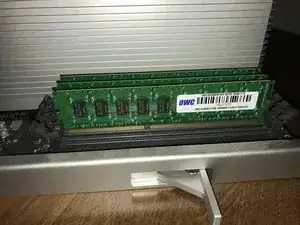
Upgrade or replace your Mac Pro's RAM.
Peças
-
-
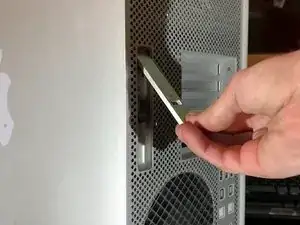
Pull the side panel release latch upwards until you hear an audible click.
-
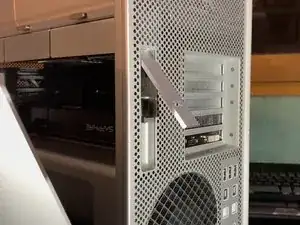
Lift the side panel off towards you from the top.
-
-
-
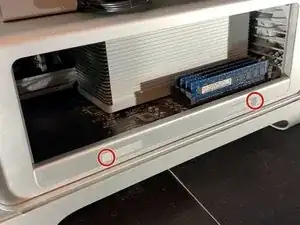
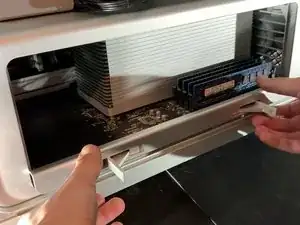
Press the two latches (circled in red) holding in the processor board. They might need a bit of pressure to open.
-
Slide out the processor board.
-
-
-
From these guides: 2009 Mac Pro CPU Replacement (quad-core) Mac Pro 2009-2012 Case Replacement
-
Photo Credits: Josh Calvetti, Sam Goldheart, Maitland Thompson, Dan, Idrees, Stéphane MILOUX, Troy weglinski,
-

Conclusão
To reassemble your device, follow these instructions in reverse order.