Introdução
The motherboard of the DVR is the main operating piece that processes and controls the device. This may be damaged through rough use, which would require
Ferramentas

-
-
Before beginning, disconnect the DVR from power and unplug all peripheries.
-
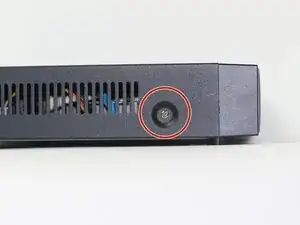
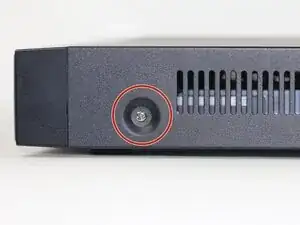
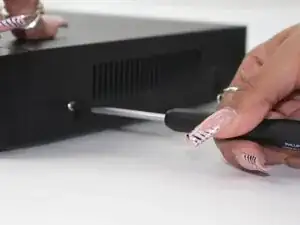
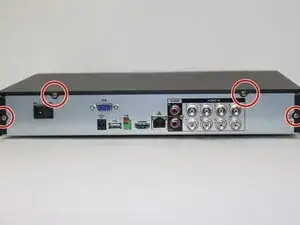
Remove each of the two 1 cm screws on the right and left sides of the DVR with a Phillips screwdriver.
-
-
-
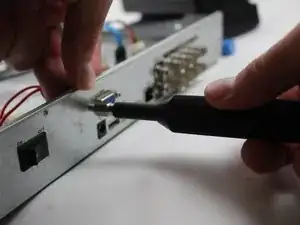
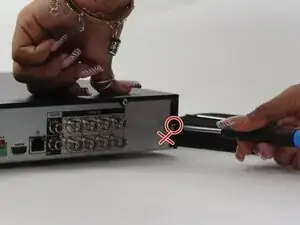
Unscrew the 1cm hex screws with the driver and a size 8 hex socket.
-
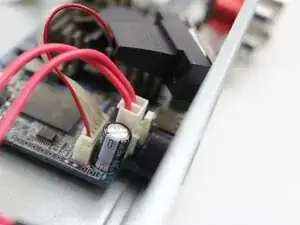
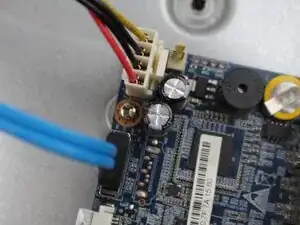
Unplug the cord from the socket in the motherboard.
-
-
-
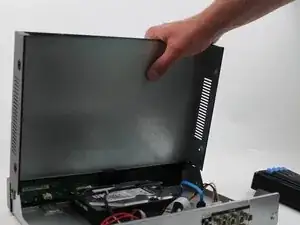
Once all the screws are off the back panel, remove the power source.
-
The power source would be the white box with the R/B/G cables attached, along with the blue and other white box with R/B/B/Y cords.
-
-
-
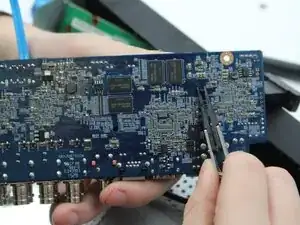
Remove this pin in order to take off the fan.
-
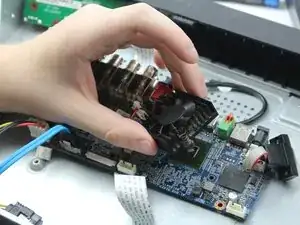
Remove the fan in order to access the motherboard.
-
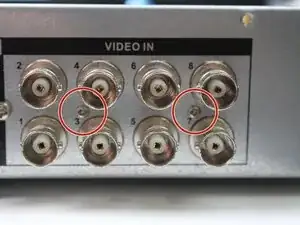
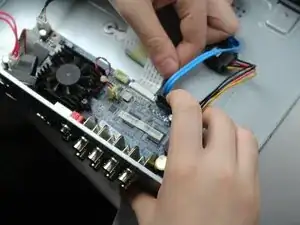
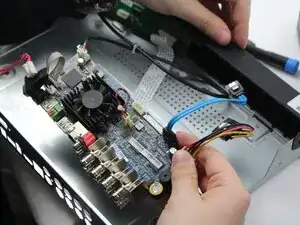
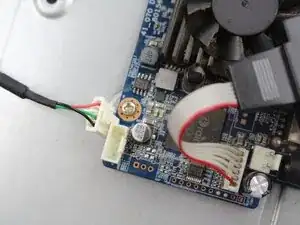
To reassemble your device, follow the above steps in reverse order.
Take your e-waste to an R2 or e-Stewards certified recycler.
Repair didn’t go as planned? Try some basic troubleshooting or ask our Answers community for help.

The Guide took us 4 minutes to complete
Anthony -