Introdução
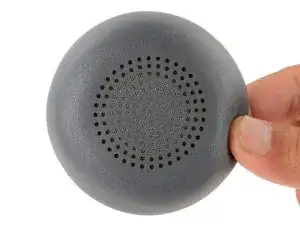
This guide shows how to remove and replace one or both of the ear pads (aka ear cushions, headset cushions, or headphone cushions) on your Logitech Zone Wireless 2 headset.
-
-
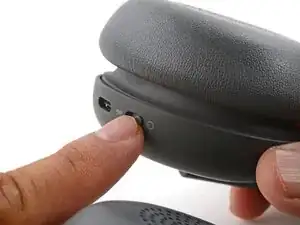
With one hand, firmly hold the ear cup steady.
-
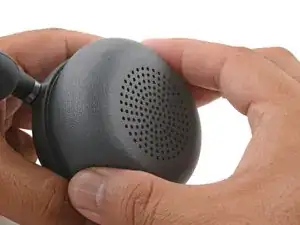
With your free hand, twist the ear pad counter-clockwise until it feels loose.
-
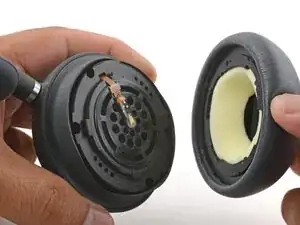
Remove the ear pad.
-
-
-
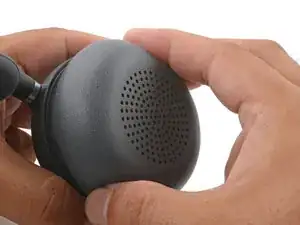
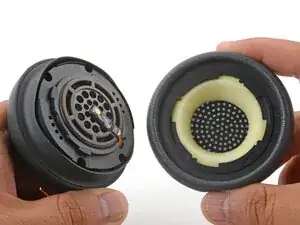
Align the ear pad's notches to the tabs on the ear cup.
-
Press the pad onto the cup.
-
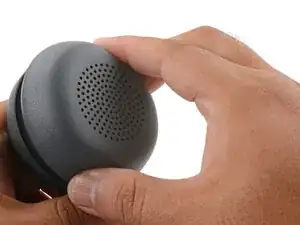
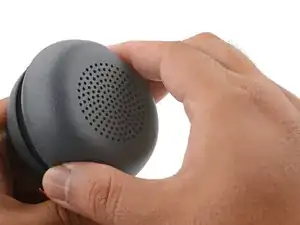
Twist the pad clockwise until it locks in place.
-
Conclusão
Repair didn’t go as planned? Try some basic troubleshooting, or ask our Answers community for help.
