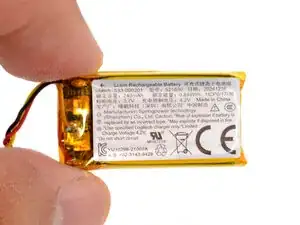
Introdução
Logitech Zone 300 battery removal and installation steps prereq


-
-
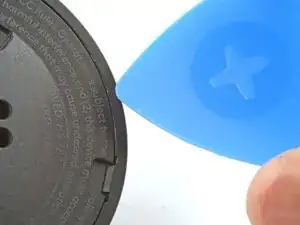
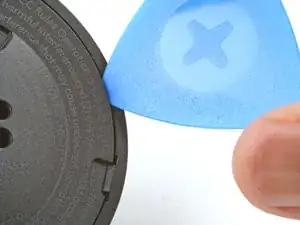
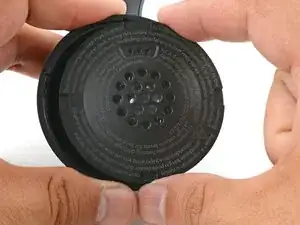
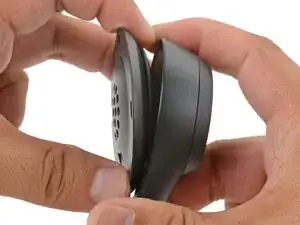
Insert the point of an opening pick into the seam between the speaker plate and ear cup.
-
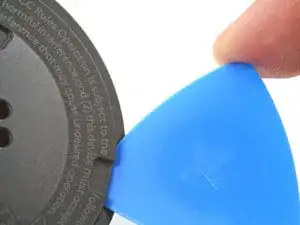
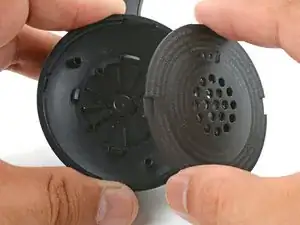
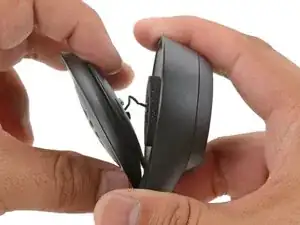
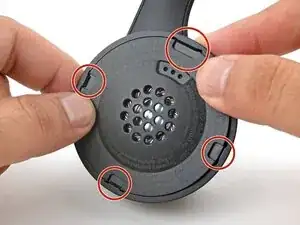
Slide the pick along the seam to release the four speaker plate clips.
-
-
-
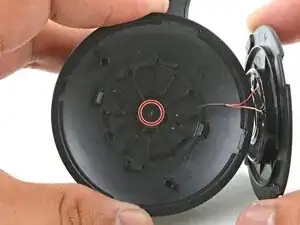
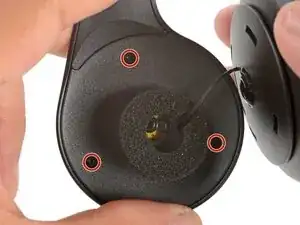
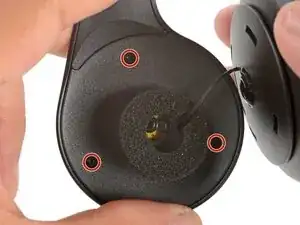
Use your fingers to move the speaker plate towards the right side of the ear cup so you can access the screws.
-
-
-
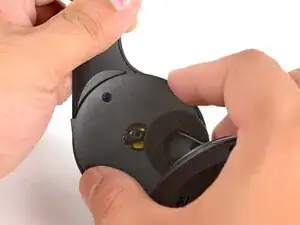
Use a Phillips screwdriver to remove the 7.1 mm‑long pancake screw securing the speaker housing.
-
-
-
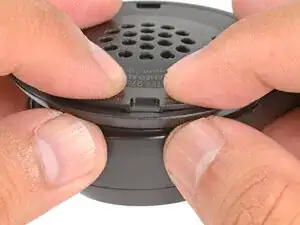
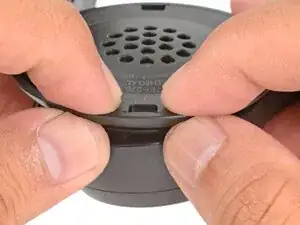
Align the speaker plate to the speaker housing and squeeze firmly to engage two of the four clips.
-
-
-
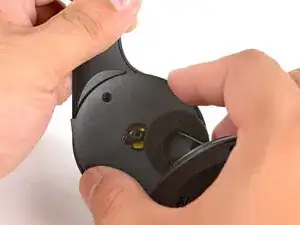
Use your fingers to grab the speaker housing from the back.
-
Pull firmly to pop the housing off from its ball joint.
-
-
-
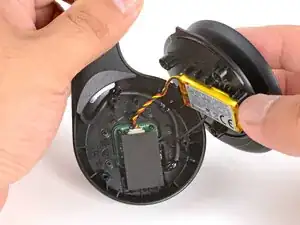
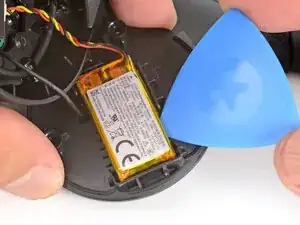
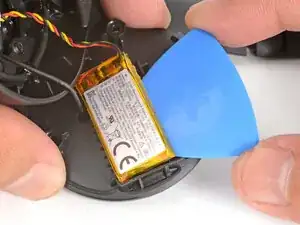
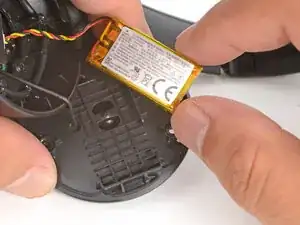
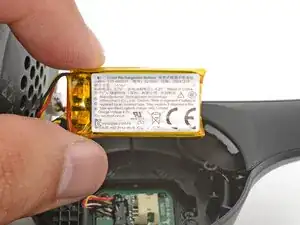
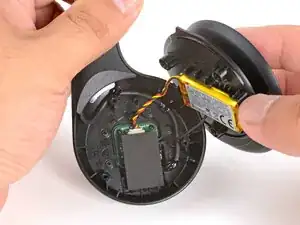
Slide the tip of an opening pick under the battery and pry gently to separate it from the midplate.
-
-
-
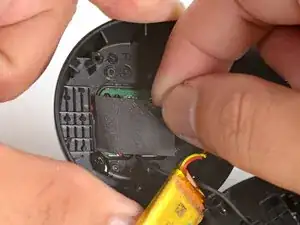
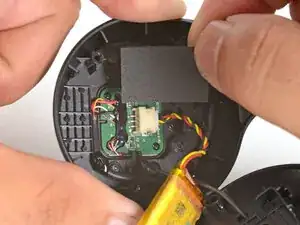
Use your fingers to peel and remove the foam pad covering the circuit board.
-
Store this pad in a clean location for reassembly.
-
-
-
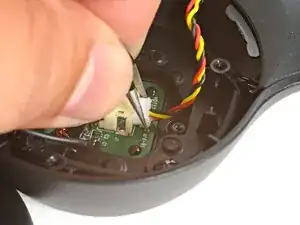
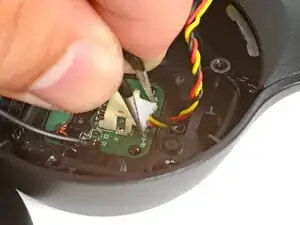
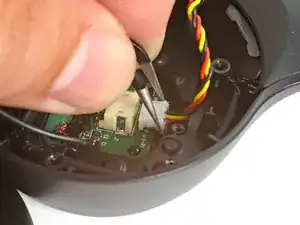
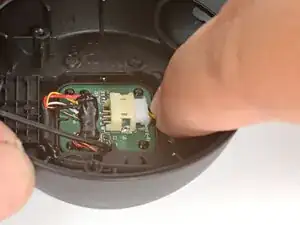
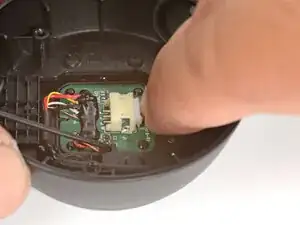
Use angled tweezers to grip the edges of the battery connector.
-
Gently rock the connector side-to-side and slide the battery connector out of its socket.
-
Push down on the socket with your finger while you rock the connector to prevent the socket from breaking off the circuit board.
-
-
-
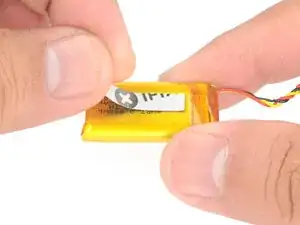
Cut and attach a small strip of double-sided tape onto the battery.
-
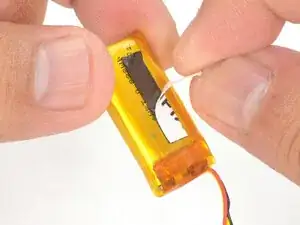
Remove the adhesive liner to expose the adhesive.
-
-
-
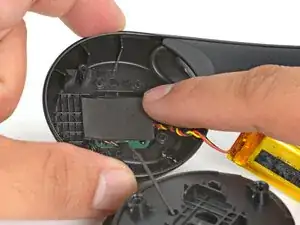
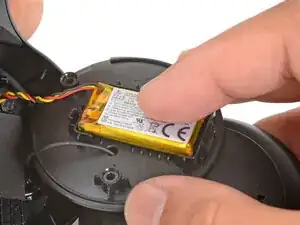
Align the battery in the midplate recess such that the battery cable reaches its circuit board connector.
-
Use your fingers to press the battery onto the midplate.
-
-
-
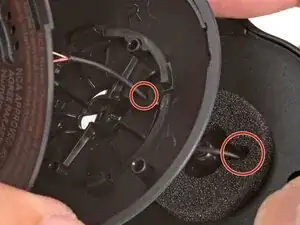
Align the speaker housing to the midplate such that the speaker wire threads through both parts without twisting.
-
Align the foam piece so that it's centered around the ball joint.
-
-
-
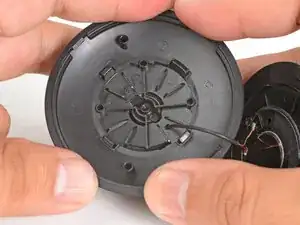
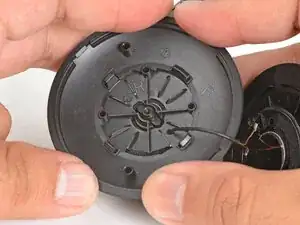
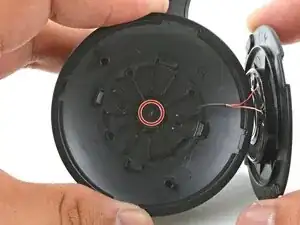
Align the ball joint to the speaker housing's center cutout.
-
Use your fingers to firmly press the speaker housing onto the ball joint to pop it back in place.
-
-
-
Use a Phillips screwdriver to install the 7.1 mm‑long pancake screw to secure the speaker housing.
-
-
-
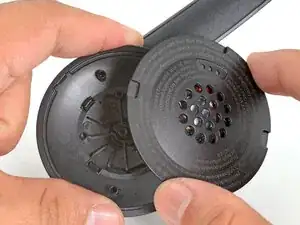
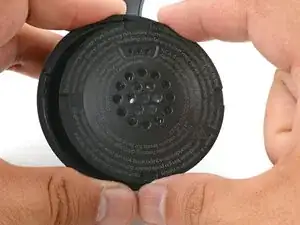
Use your fingers to move the speaker plate back over the speaker housing.
-
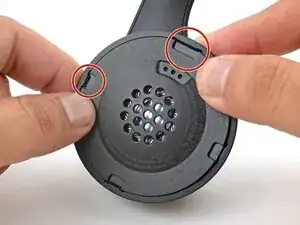
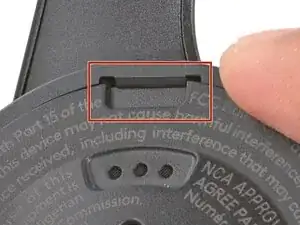
The top clip is wider than the rest of the clips and is located above a set of vent holes. Use this to help align the speaker plate to the housing.
-
-
-
Use your fingers to squeeze and engage the four clips to secure the speaker plate to the housing.
-
To reassemble your device, follow these instructions in reverse order.
