Introdução

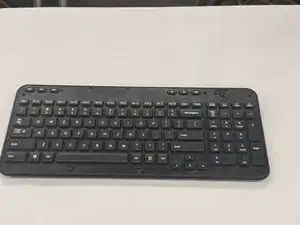
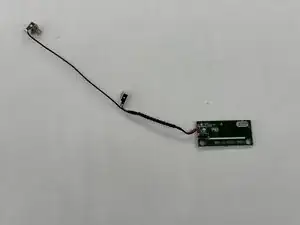
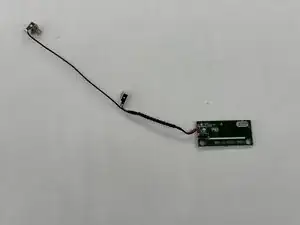
If your Logitech K360 keyboard has unresponsive keys or erratic behavior, the internal printed circuit board (PCB) may need replacing. Use our guide so you can replace it safely!

  1. VrwMZjtWfOsoYA1c
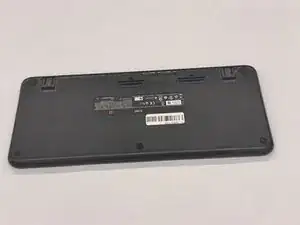
    • Turn the keyboard face down.

  2. puAbxMHkYW51GkJT
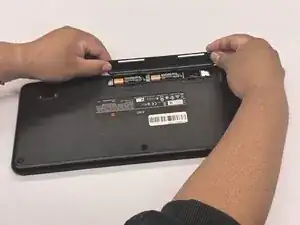
    • With your thumbs on both sides of the battery tab, push upwards.

    • You should feel it disconnect.

    • Remove the cover exposing the batteries.

  3. pKqAHwxQFaHKJBRc
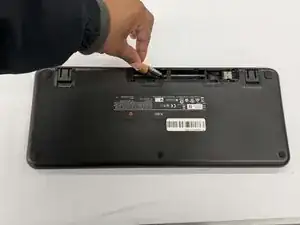
    • Remove the old batteries.

    • Make sure the keyboard turns on and works.

    • Double check that the cover is back on correctly; you don't want it coming off and have the batteries fall out!

  4. Q4VJLSxOtH2tOxqS
    Q4VJLSxOtH2tOxqS
    PEhmPfimEAEjfjfB
    Ha3lZGYWTOLv4OOi
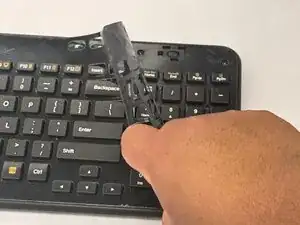
    • Remove the keyboard cover.

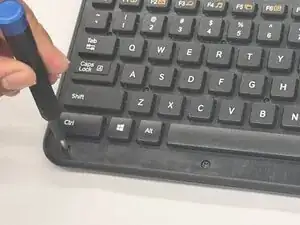
    • Remove the screws using a Phillips #0 screwdriver.

    • There are a total of eight 8mm screws and twelve 6mm screws.

  5. iAOYlCgegKwpHsfO
    iAOYlCgegKwpHsfO
    pNfJIUkRoWRAlucm
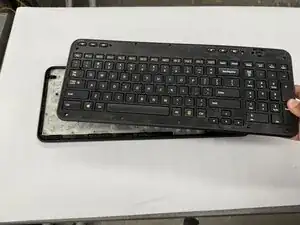
    • Remove the top half of the keyboard carefully.

    • If there are issues removing the top half of the keyboard, you can try using something thin to get into the crevices.

    Where can this replacement board be purchased?

    brettfura -

  6. FwkK3qCCEX1lnGYB
    FwkK3qCCEX1lnGYB
    SVRXuscgKso1etmM
    a5Co4yyHWjaECuvI
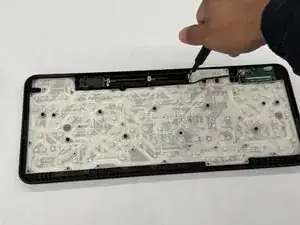
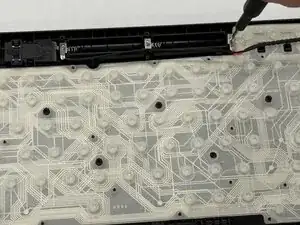
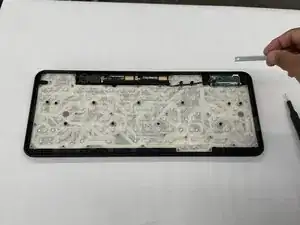
    • Unscrew the two 2.0 mm silver screws using a Phillips #0 screwdriver.

  7. fXFJq2ViiU1NEcOJ
    fXFJq2ViiU1NEcOJ
    bHvpCEMDj5rNowUd
    L4iwtIHrDZSYVI2R
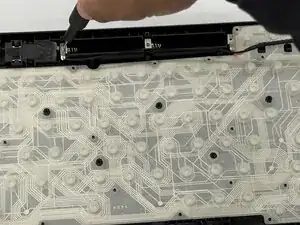
    • Unscrew the two 2.0 mm silver screws on either side of the printed circuit board (PCB) using a Phillips #0 screwdriver.

  8. GcL2g4l2ja6rMHUH
    GcL2g4l2ja6rMHUH
    OHUmIvUnbA4esZJc
    x3wWVdJ4dSfHoGEM
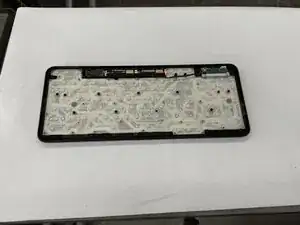
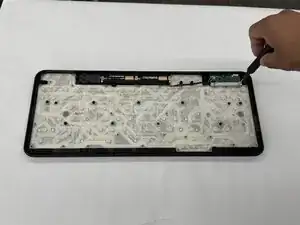
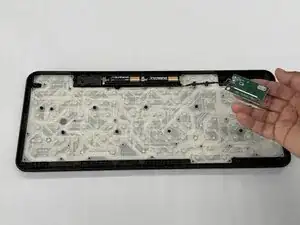
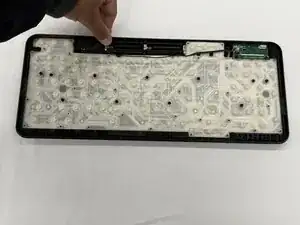
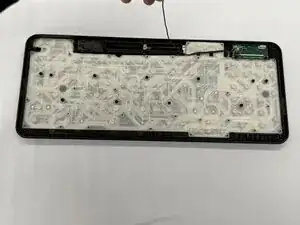
    • Lift the entire printed circuit board (PCB) out of the panel.

Conclusão

To reassemble your device, follow these instructions in reverse order.

Othon Sanchez

Membro desde: 20/02/25

333 Reputação

0 comentários