Introdução
Use this guide remove and replace worn out mouse feet (also called skates or pads) on the bottom of a Logitech MX Vertical wireless mouse.
If thoroughly heated, the mouse feet can be cleanly removed, but you may need replacement feet if one rips or some of its adhesive is left behind.


-
-
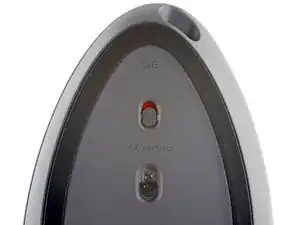
Before you begin, flip the mouse's power switch down into the OFF position.
-
Unplug all cables from the mouse.
-
-
-
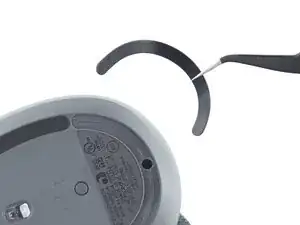
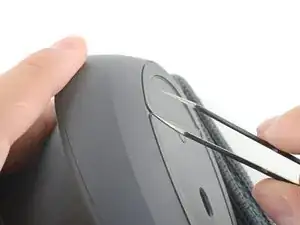
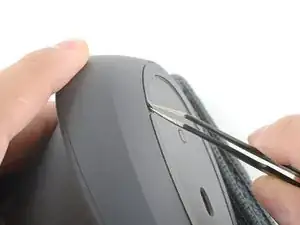
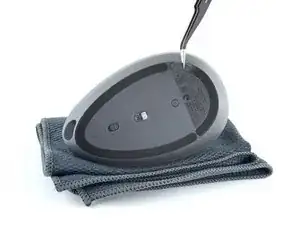
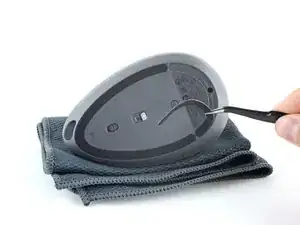
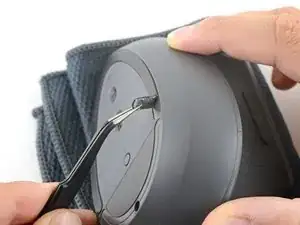
Insert one arm of a pair of angled tweezers underneath the end of one foot.
-
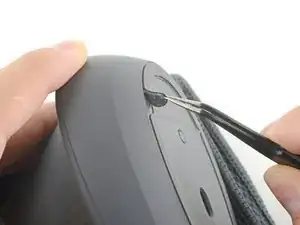
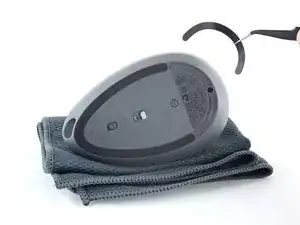
Grip the foot and begin to peel it away from the bottom of the mouse.
-
-
-
Repeat the process to remove the other foot.
-
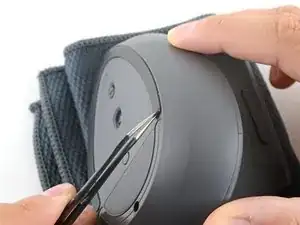
Use a spudger to carefully scrape up and remove any remaining adhesive bits.
-
Use isopropyl alcohol and a microfiber cloth to thoroughly clean all adhesive residue from the foot recesses. Allow the surface to completely dry.
-
Remove the feet from their backing and firmly press them into place.
-
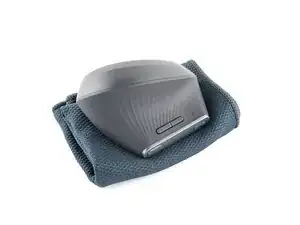
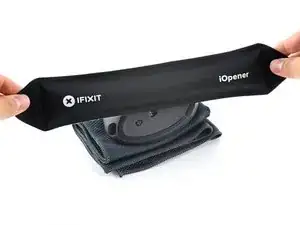
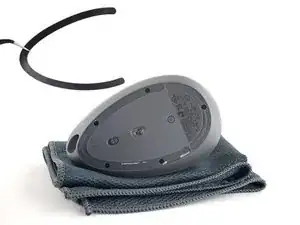
To reassemble your device, follow the above steps in reverse order.
Take your e-waste to an R2 or e-Stewards certified recycler.
Repair didn’t go as planned? Check out our Answers community for troubleshooting help.

4 comentários
Do you have to heat it to re-apply the feet?
Jimmy -
Beste,
Weet je toevallig, waar ik de nieuwe voetjes van Logitech MX Vertical kan kopen?
Groeten,
peter smith
peter -
where can you get new slide tape or feet?
Jerry -
Aliexpress has it (look for MX Vertical glide)
or in this tutorial has a link to corepad.de website that sell them:
Logitech MX Vertical Left and Right Mouse Button Microswitch Replacement
it should have been added to this tutorial as well.
tridy -