Introdução
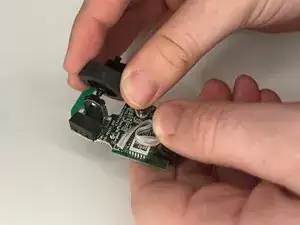
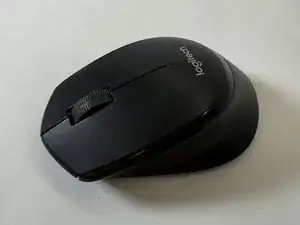
Over time, the scroll wheel on your M275 Bluetooth Mouse Scroll Wheel may not be able to function correctly anymore. Follow this guide in order to correctly remove and replace the scroll wheel to get your mouse working again.


-
-
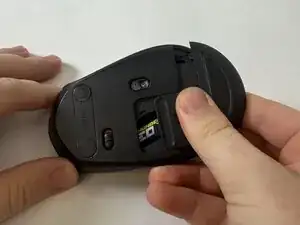
Flip the mouse over.
-
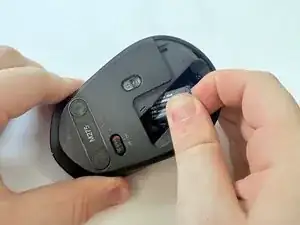
With your fingers, gently press down and remove the battery cover.
-
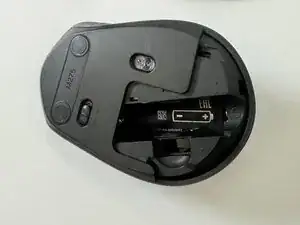
Remove the battery and the USB receiver from the mouse.
-
-
-
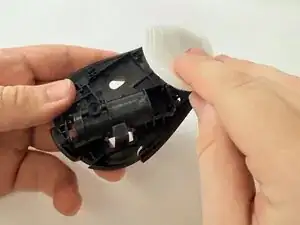
Remove the sticker at the bottom of the battery compartment.
-
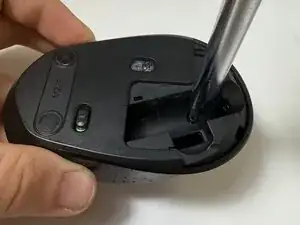
Use a Phillips screwdriver to remove the single screws at the bottom of the battery compartment.
-
-
-
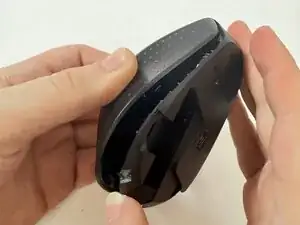
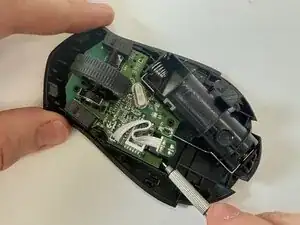
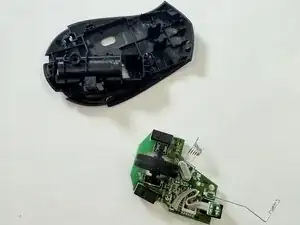
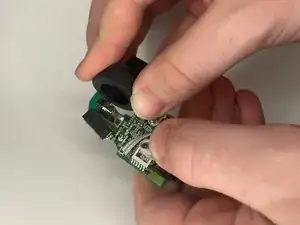
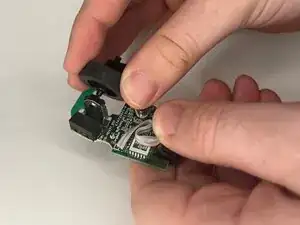
Use a spudger or screwdriver to carefully apply upward pressure around each side of the circuit board until the whole piece slides out of the bottom.
-
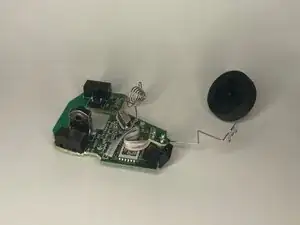
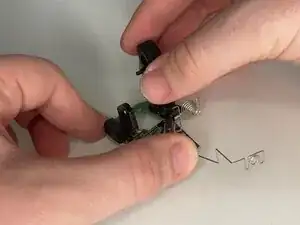
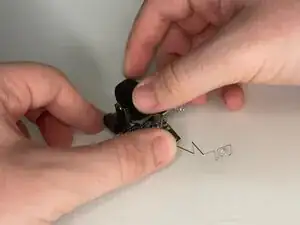
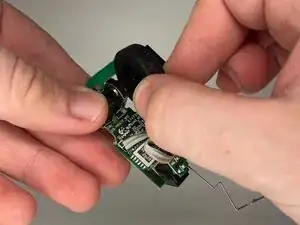
To reassemble your device, follow the above steps in reverse order.
Take your e-waste to an R2 or e-Stewards certified recycler.
Repair didn’t go as planned? Try some basic troubleshooting or ask our Answers community for help.