Introdução

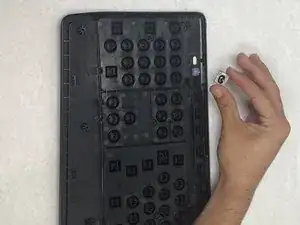
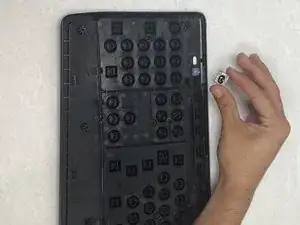
If your Logitech K345 keyboard's on/off switch is no longer functioning properly—whether it's stuck, unresponsive, or malfunctioning—this guide will walk you through the process of replacing it.

Before starting, make sure to power off your keyboard and disconnect it from any power source during the repair.

  1. 2IsvTfuaPTCEouNV
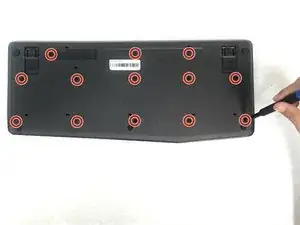
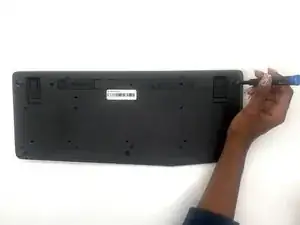
    • Remove the thirteen 5.3 mm screws from the back of the keyboard using a Phillips #0 screwdriver.

  2. vXBWGM1UDCyuEgZH
    vXBWGM1UDCyuEgZH
    sFPC5J1HqcLcIPAP
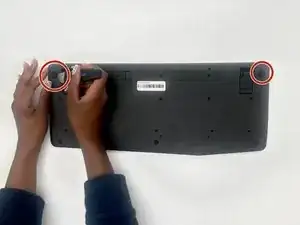
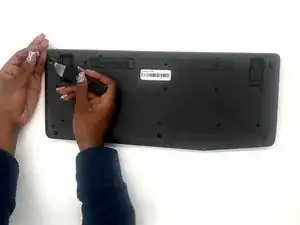
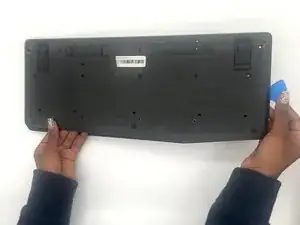
    • Pry up the corner rubber pads using a Jimmy.

  3. JJqLtwPuMVCJnbV4
    JJqLtwPuMVCJnbV4
    J6ANpVZq3OWygdZB
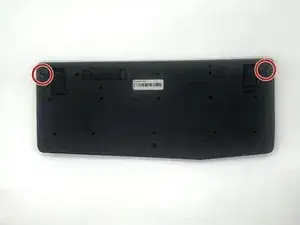
    • Remove the two 5.3 mm screws from the corners with a Phillips #0 screwdriver.

  4. sU2FNCQoouUWg3St
    sU2FNCQoouUWg3St
    WcGJgoCRm6cXjCoK
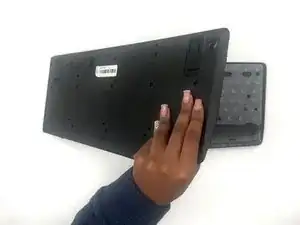
    • Use your hands and opening picks to remove the back of the keyboard.

  5. 2KRFi4WoGuJggeXB
    2KRFi4WoGuJggeXB
    MZAaVLYUQ3KgBfBV
    eBLORAZwD6e6qEqm
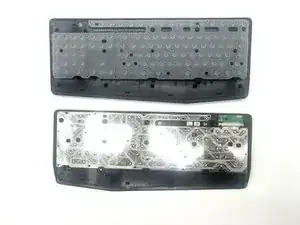
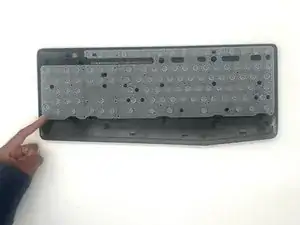
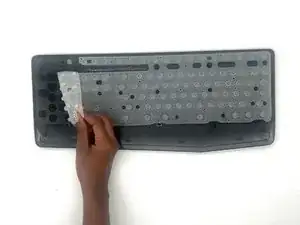
    • Remove the keyboard membrane.

  6. IKSv2AYjsILupjYZ
    IKSv2AYjsILupjYZ
    OPsnfGVS1fjDB1OA
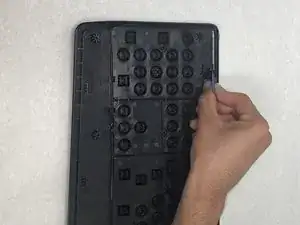
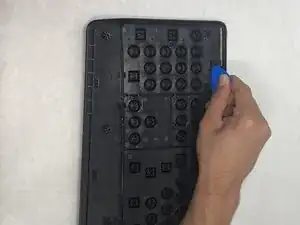
    • Pry open the sides holding the On/Off button using an opening pick.

  7. 3RXpwHxYddEgxlDK
    • Remove the on/off button.

Conclusão

To reassemble your device, follow these instructions in reverse order. Take your e-waste to an R2 or e-Stewards certified recycler.

Aumirius Robinson

Membro desde: 26/09/24

613 Reputação

0 comentários