Introdução
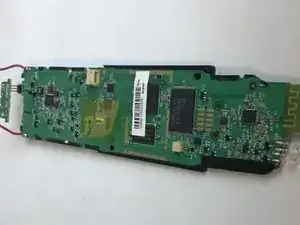
This guide will show you the process to disassemble the device and replace the motherboard.
Ferramentas


-
-
Open the latch that covers the charging port.
-
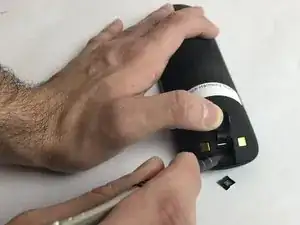
Remove the black sticker, then remove the screw with the indicated screwdriver.
-
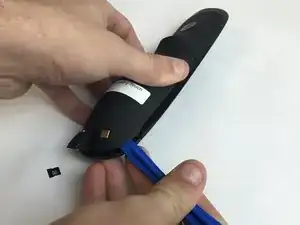
Take the plastic opening tool, and run it down the side of the remote to pop the case open.
-
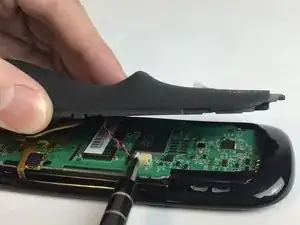
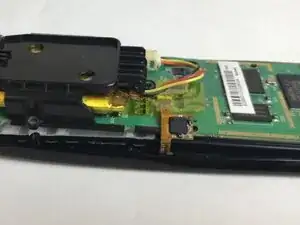
Detach the white clamp in order to partially disconnect the case from the motherboard.
-
-
-
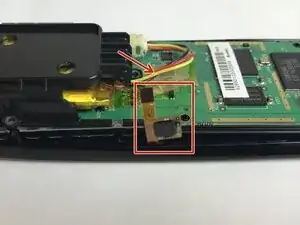
Peel back the thin yellow plastic film and detach the clip found underneath.
-
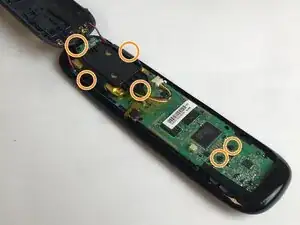
Remove the screws that connect the motherboard to the case with the suggested screwdriver.
-
-
-
Next, carefully remove the motherboard from the top piece of the case.
-
You should now be able to access all of the buttons and remove them from the case.
-
To reassemble your device, follow these instructions in reverse order.
