Introdução

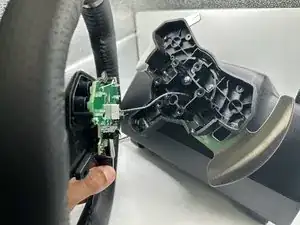
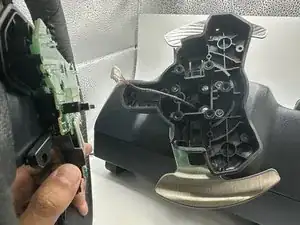
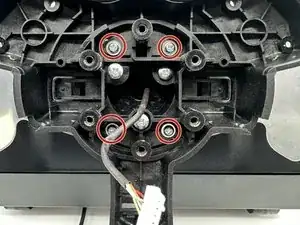
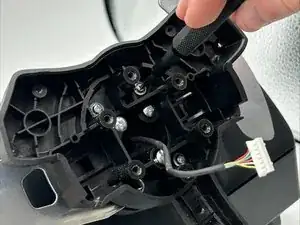
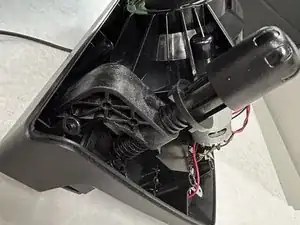
This guide demonstrates how to replace the motherboard of the motor for your Logitech G920 Driving Force Steering Wheel. Usual reasons that the motherboard of the motor for this device may need replacement if the motherboard is having electrical failures or damage to the components. Replacing the motherboard may improve the device’s responsiveness for controls and steering.

  1. 1rWChmyBvGCfnaKj
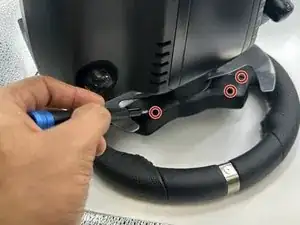
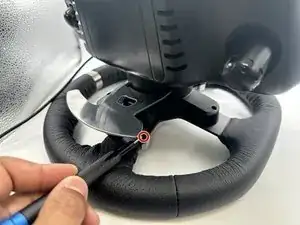
    • Use the Phillips #0 screwdriver to remove the five 9.5 mm external screws.

    • Only three of the five screws are visible from each side of the wheel due to the center unit.

  2. EDoAtCGOgLBLsqJb
    • Using the Phillips #0 screwdriver, remove the 5 mm screws holding the bumpers in place.

  3. xxOAvVukK5W5SCvT
    xxOAvVukK5W5SCvT
    YrJVHvwWHqW1XELS
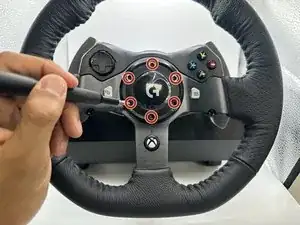
    • Using the TR25 Torx Security Screwdriver, remove the six 23.8 mm screws holding the face plate together.

    • Remove the face plate from the steering wheel.

  4. QxtYUKJ464sLgyZD
    QxtYUKJ464sLgyZD
    O2P4dsqLHBLGpCq3
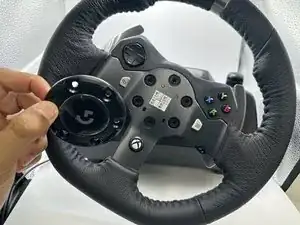
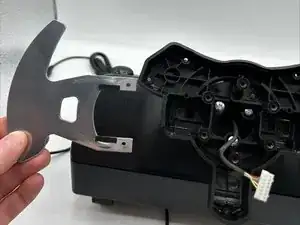
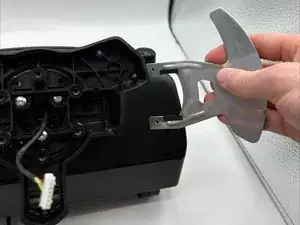
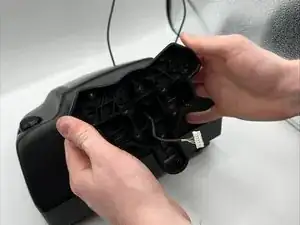
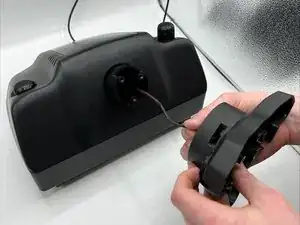
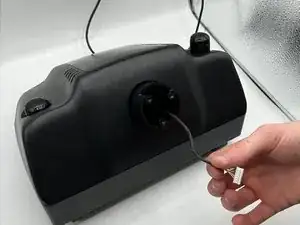
    • Remove the wheel from the main steering wheel console.

    • Ensure this is done carefully as to not damage the connection wire.

  5. NvBCSXceUWkUhpIY
    NvBCSXceUWkUhpIY
    gUJYLZCTgQqYDLtX
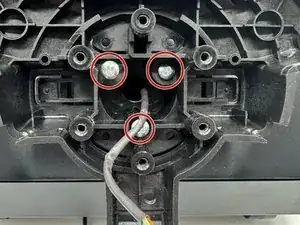
    • Remove the four 13.5 mm screws with a Phillips #0 screwdriver.

  6. CehPiS4FGDQBx6np
    CehPiS4FGDQBx6np
    3t3ueHGDcMBMd1fX
    • Remove the pedals from both sides of the wheel base.

  7. NnlgG1WPb5x2cAC4
    • Remove the three 36 mm screws with a Phillips #2 screwdriver.

  8. L3LM1FVhXn4nfXId
    L3LM1FVhXn4nfXId
    pEiZNspXbYs2UVcr
    rRNLLZpbiZEqEvmj
    • Remove the wheel base from the motor box.

  9. FFWAKWL6OvDgyCxc
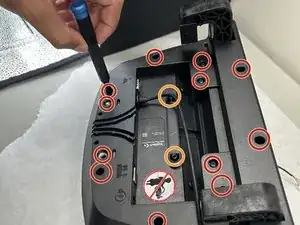
    • Flip the motor box over.

    • Remove the twelve 12.2 mm screws with a Phillips #0 screwdriver.

    • Remove the two 11.5 mm screws with a Phillips #0 screwdriver.

  10. tIB1jMieeWSEpnMp
    tIB1jMieeWSEpnMp
    kVVFEeXSbaIg5XDQ
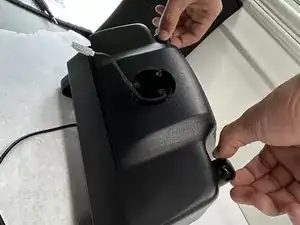
    • Flip over the motor box once more.

    • Remove the motor box cover.

  11. RxesMN4Vs44vMk5p
    RxesMN4Vs44vMk5p
    weijO3samKtCLrOY
    OlTkFQBQ54vW3W6t
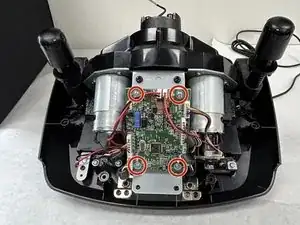
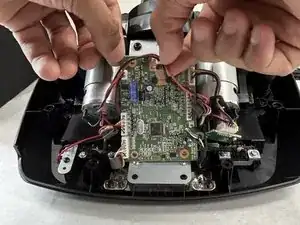
    • Remove the four 5 mm screws with a Phillips #0 screwdriver.

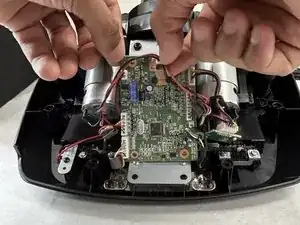
    • Detach the wires connected to the motherboard.

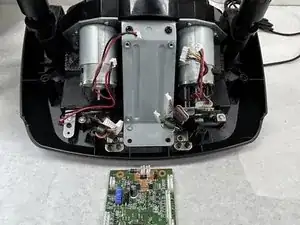
    • Remove the motherboard from the motor box.

Conclusão

To reassemble your device, follow these instructions in reverse order.

Aiden Muse

Membro desde: 12/09/23

594 Reputação

Um comentário

Which wire is for the USB?

Davoyles lags -