Introdução
Follow this guide to replace worn-out or damaged feet (also known as skates, glides, slides, or pads) on your Logitech G915 TKL wireless keyboard.
Ferramentas


-
-
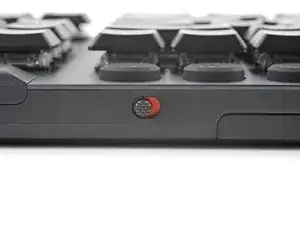
Slide the power switch on the top edge of the keyboard to the OFF (left) position.
-
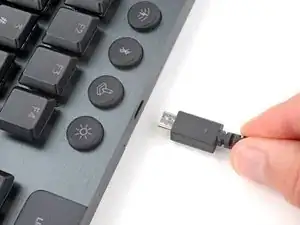
Unplug all cables from the keyboard.
-
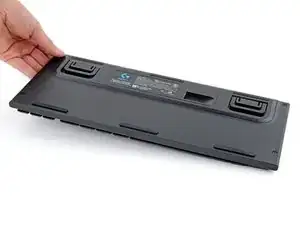
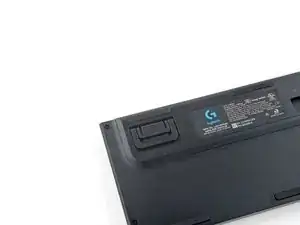
Lay the keyboard down with the feet facing up on a clean work surface.
-
-
-
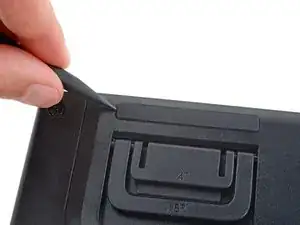
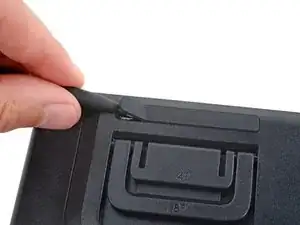
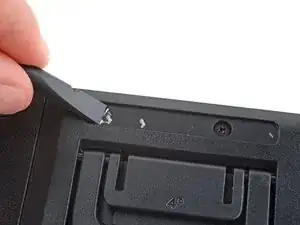
Insert the point of a spudger under an end of the foot.
-
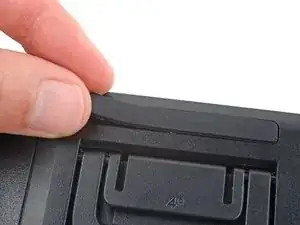
Push the spudger underneath the foot and lift until you can grip it with your fingers.
-
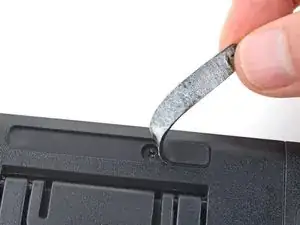
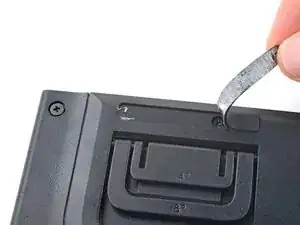
Peel the foot up and remove it.
-
Repeat the previous two steps to remove the remaining feet.
-
-
-
Use the flat end of a spudger to scrape up and remove any chunks of adhesive from the foot recesses.
-
Remove the new feet from their backing and firmly press them into place.
-

Repair didn’t go as planned? Try some basic troubleshooting, or ask our Answers community for help.
