Introdução

Logitech G435 ear pad removal prereq

  1. E4AGcaF3sS1ijIg1
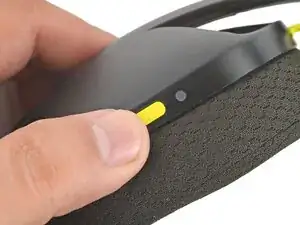
    • Power off the headset and unplug all cables.

  2. rW3J1DGfyoBLMnIN
    rW3J1DGfyoBLMnIN
    nSEHXtUjgihdhQCi
    hKUrd6vxqBNAoEdf
    • If you're replacing the headset battery, you only need to remove the left ear pad (the side containing the power button).

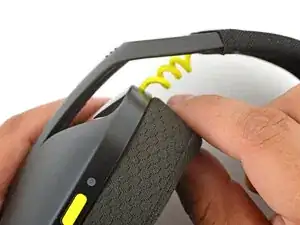
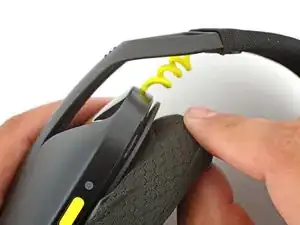
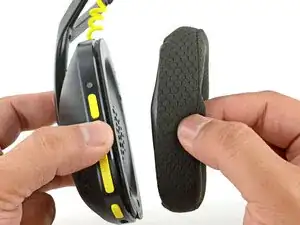
    • With one hand, firmly hold an ear cup steady.

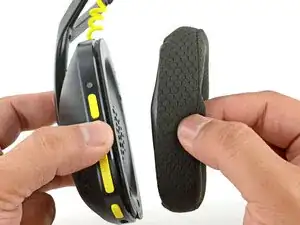
    • With your free hand, slowly pull the ear pad away from the cup until it slides completely off its plastic lip.

    • Repeat the process to remove the other ear pad.

Conclusão

To reassemble your device, follow these instructions in reverse order.

Arthur Shi

Membro desde: 03/01/18

326111 Reputação

0 comentários