Introdução
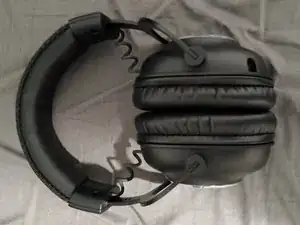
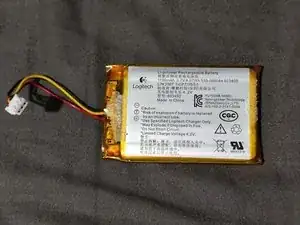
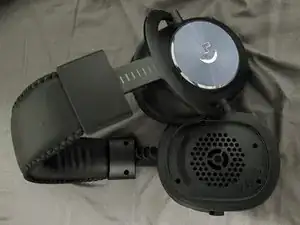
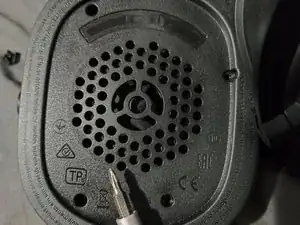
This guide is for replacing the LiPo Rechargeable Battery Logitech G Pro X Lightspeed. You battery may need to be replaced if your headset only turns on when plugged in or doesn't hold a long charge (factory spec is ~20 hours).
For your safety, discharge the battery below 25% before disassembling your device. Inspect batteries for physical and chemical damage. Battery should not be swollen to any extent. For non-OEM batteries, make sure your wires match with the original.
Ferramentas
Peças
-
-
Prepare headset. Remove mic and set power switch to off
-
Replacement part #533-000084. 1100mAh 3.7V 603450 Li-polymer battery
-
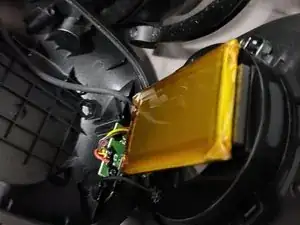
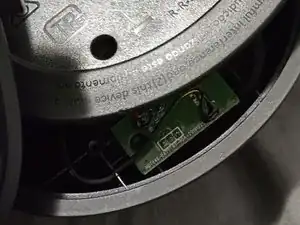
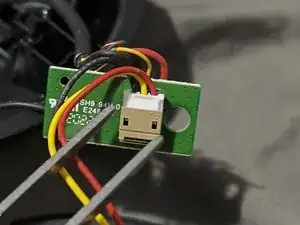
To reassemble your device, follow these instructions in reverse order.

4 comentários
Que colores son los de la batería
Hey! Where can I find the replacement battery mentioned? Is the number mentioned (533-…) a reference to somewhere where I can buy it? Thank you!
Nour -
As of last I checked, there is no official source. As long as the battery matches the voltage, wiring, and dimensions (603450) there should be no issues.
What's the best way to remove the battery from the adhesive and then the best way to have the new battery stick in place? Thanks