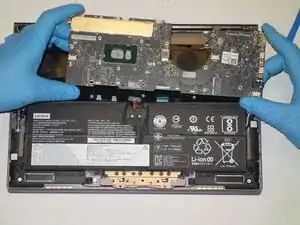
Introdução


-
-
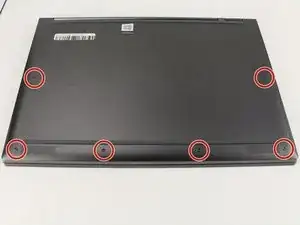
Flip the device over so that the underside is facing up.
-
Remove the six 3.5 mm T5 Torx screws.
-
-
-
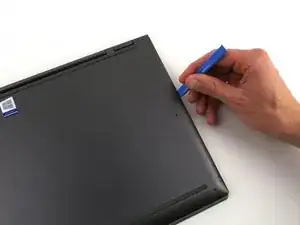
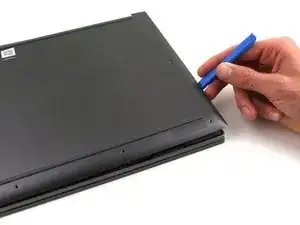
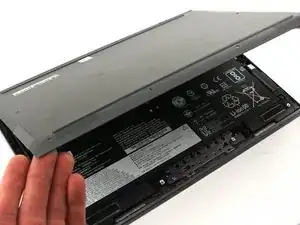
Pry off the back cover using the plastic opening tool.
-
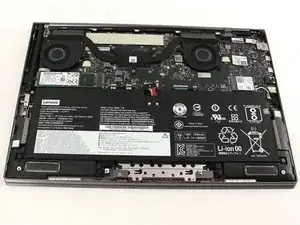
Loosen the back cover in multiple spots using the opening tool, then remove the whole back.
-
-
-
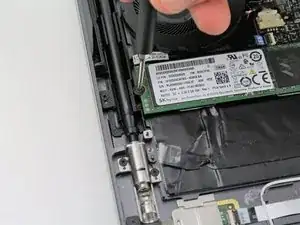
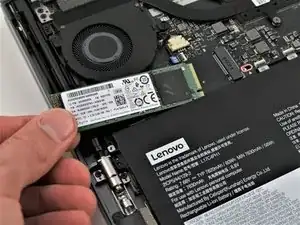
Remove the screw ( 2 mm with a 5 mm head) that connect the SSD to the motherboard using a Phillips #00 screwdriver.
-
-
-
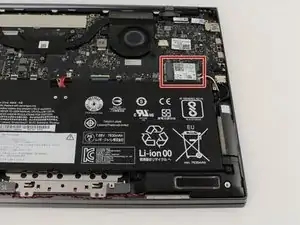
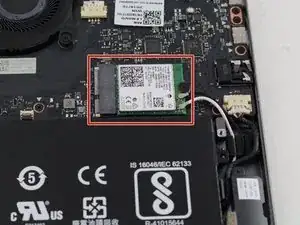
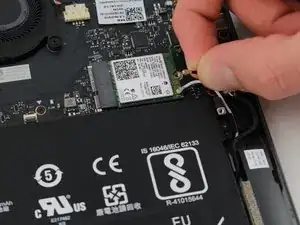
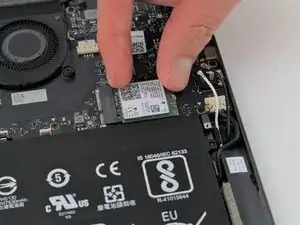
Find the Wi-Fi card located on the right just above the battery. It is a green chip with a white label that says "Intel 9260" somewhere on it.
-
-
-
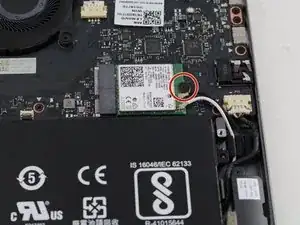
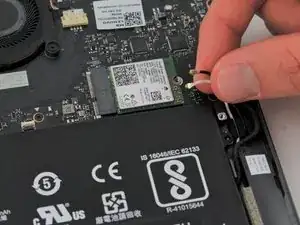
Use a Phillips #00 screwdriver to remove the single 2 mm screw that attaches the card to the motherboard.
-
-
-
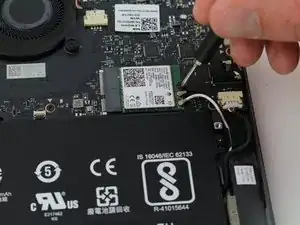
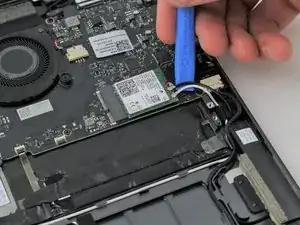
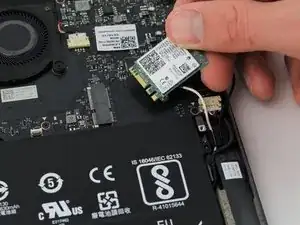
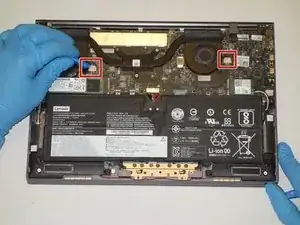
Gently pull or use the iFixit opening tool to detach the black and white wires from the card.
-
-
-
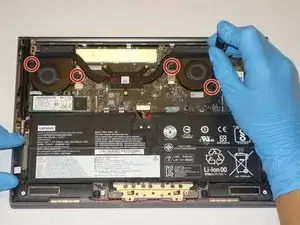
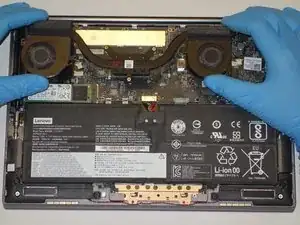
Use a plastic opening tool to remove the two small, white power cable connectors for each of the two fans.
-
-
-
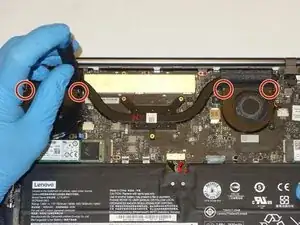
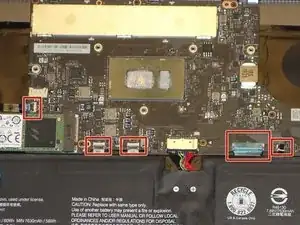
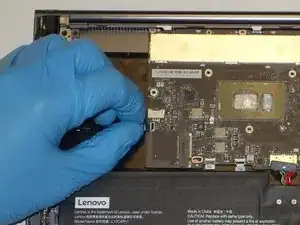
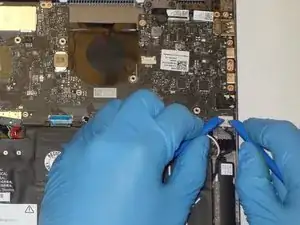
Using the Halberd Spudger, gently lift the black tab on top of each of the five ZIF connectors for the ribbon cables. Then pull the cables out from the connectors.
-
-
-
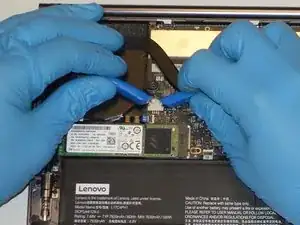
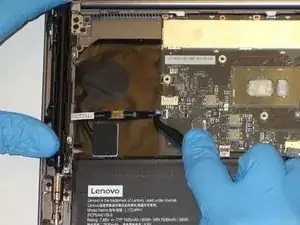
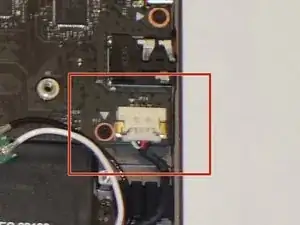
Using two plastic opening tools gently unplug the white speaker cable connector from the bottom left of the motherboard.
-
-
-
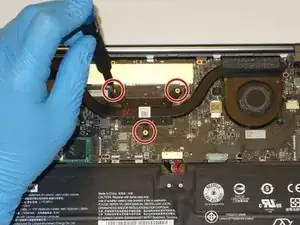
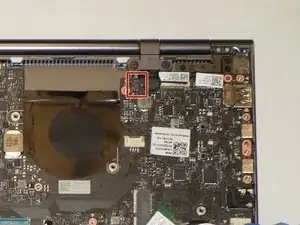
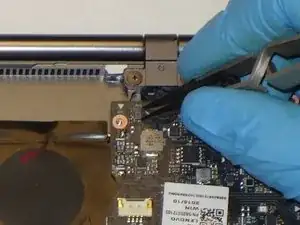
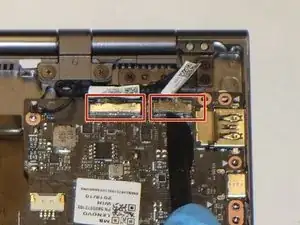
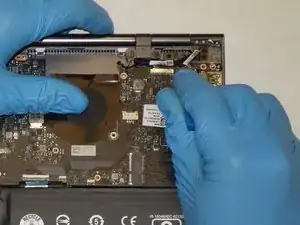
Using the plastic opening tool, gently pry up on the metal tabs of the two display cables to remove the cables from the top right corner of the motherboard.
-
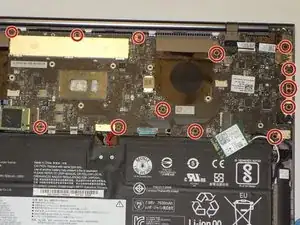
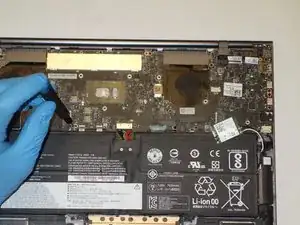
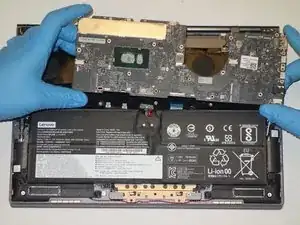
To reassemble your device, follow these instructions in reverse order.

2 comentários
This is a great step-by-step walk-through. I went into replace a keyboard with all the wrong tools with me and I found out the client ordered the wrong keyboard thankfully no liquid damage inside. I found a few steps that were not required unless you were doing a parts swap to another system. I managed to instead clean out the keys without breaking the key caps and somehow the wrong keyboard had the right donor parts to fix the arrow key.
Can I really say I completed this when I ended up not replacing the keyboard?
FYI keep your liquids away from your computer!
I do have to say this system is pretty serviceable, cough if the manufacturer has parts.
Thank you for this step by step. It worked a treat!
From a shaky, vision impaired, 78-year-old. Provided tool kit is a must. READ ALL DIRECTIONS AND COMMENTS BEFORE STARTING! Lots of good advice. Remove stickers from top of old battery and pull to release battery adhesion. SLOWLY pull battery up and it will come out. Unplug harness AFTER freeing battery. I had most trouble installing the new battery on the two small posts under upper screw holes. Just be patient and it will work. Took me a total of 30 minutes to remove and install. Very happy with new battery and battery performance.
TVB -