Introdução
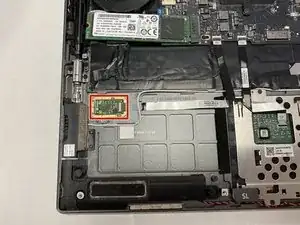
This guide includes all the steps, tools, and parts necessary to disassemble the Lenovo Yoga C930-13IKB to access and replace the fingerprint reader.


Peças
-
-
Flip the device over so that the underside is facing up.
-
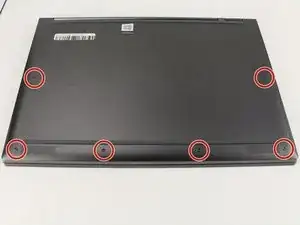
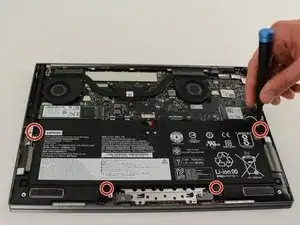
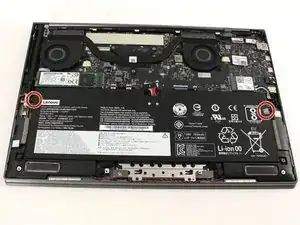
Remove the six 3.5 mm T5 Torx screws.
-
-
-
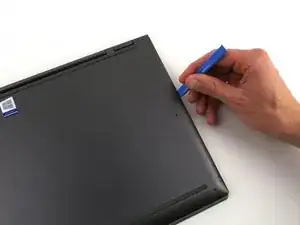
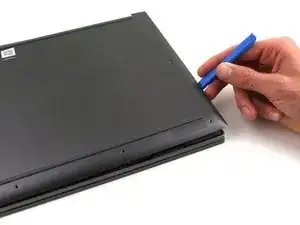
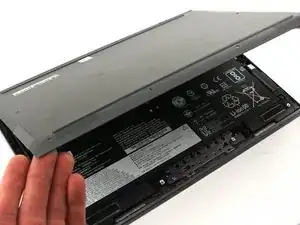
Pry off the back cover using the plastic opening tool.
-
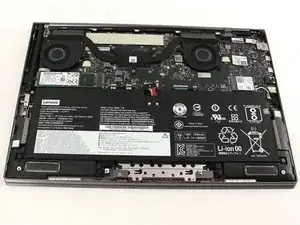
Loosen the back cover in multiple spots using the opening tool, then remove the whole back.
-
-
-
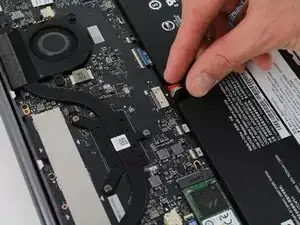
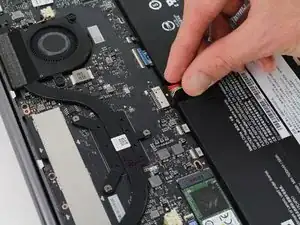
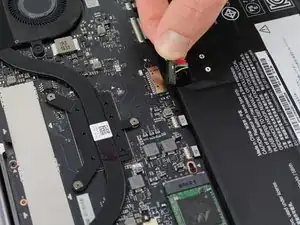
Unplug the battery from the motherboard by pinching the cables with your fingers and tugging out with force.
-
-
-
Use your fingers to pry up the clear plastic pull-tab for one of the stretch release adhesives.
-
Grasp the pull-tab and slowly pull away from the battery at a shallow angle. The adhesive strip will stretch to many times its length and slowly release from underneath the battery.
-
Repeat the procedure for the second strip on the opposite side of the battery.
-
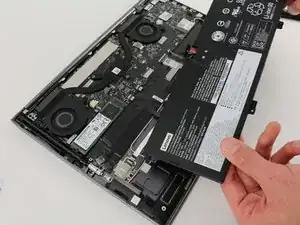
Remove the battery with your hands.
-
-
-
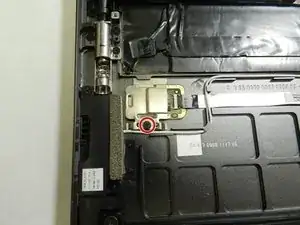
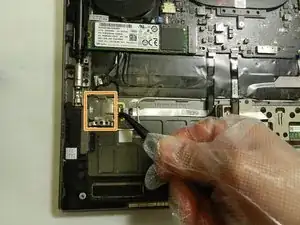
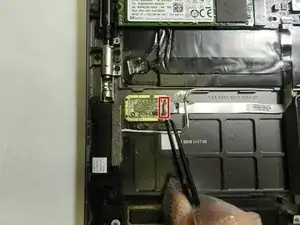
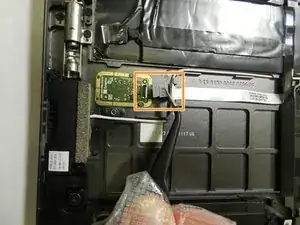
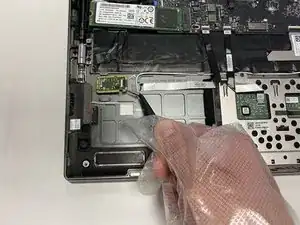
Using the angled ESD tweezers, gently lift the black tab on top of the ZIF connector on the fingerprint reader.
-
Gently pull the ribbon cable out from the connector using the tweezers.
-
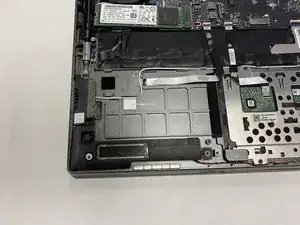
To reassemble your device, follow these instructions in reverse order.

From a shaky, vision impaired, 78-year-old. Provided tool kit is a must. READ ALL DIRECTIONS AND COMMENTS BEFORE STARTING! Lots of good advice. Remove stickers from top of old battery and pull to release battery adhesion. SLOWLY pull battery up and it will come out. Unplug harness AFTER freeing battery. I had most trouble installing the new battery on the two small posts under upper screw holes. Just be patient and it will work. Took me a total of 30 minutes to remove and install. Very happy with new battery and battery performance.
TVB -