Introdução
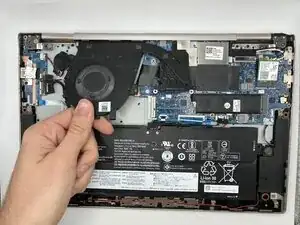
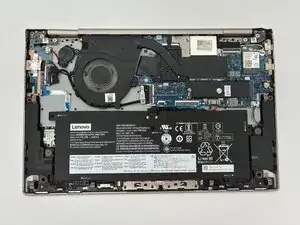
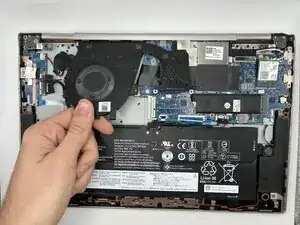
The fan in a Lenovo Yoga C740-14IML provides the laptop with air to cool its system.
A fan may go bad naturally by wear on the device over time. This may be accelerated due to lots of dust and debris being sucked in, causing more strain on the fan motor. A faulty or stuck fan may need to be replaced.
Lenovo C740-14IML laptops have a single fan assembly with one fan in the assembly, whereas C740-15IML laptops also have a single fan assembly, but have two fans. In this guide a C740-14IML model is used.
Common symptoms of a bad fan are:
- Excessive Heat
- Frequent and Unexpected Shutdowns
- Slow Performance
- Unusual Noises Like Whirring or Grinding
All of these symptoms are good indicators of a bad fan, but you will need to disassemble the device to be sure.
Before you begin, power off your laptop and disconnect the charger.


-
-
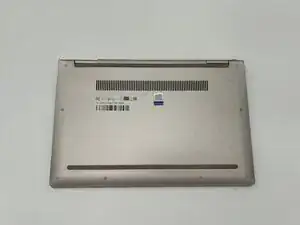
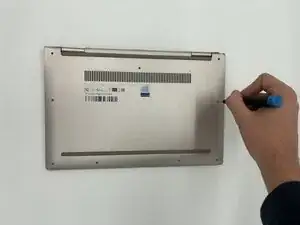
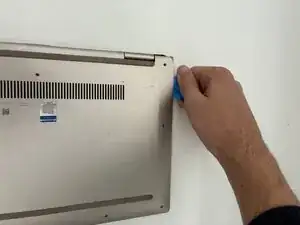
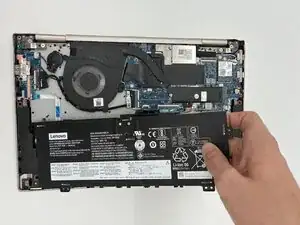
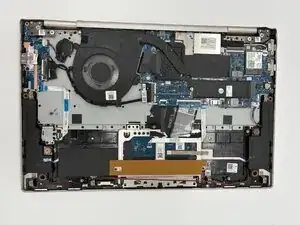
Insert an opening pick or opening tool between the top and bottom covers, then slide it around the perimeter to release the clips.
-
-
-
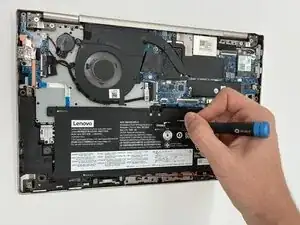
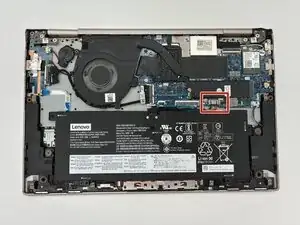
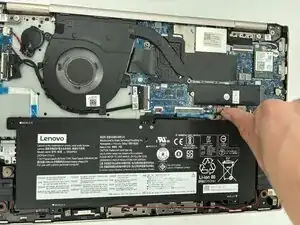
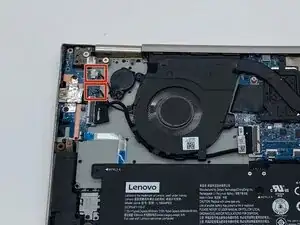
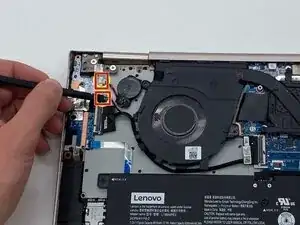
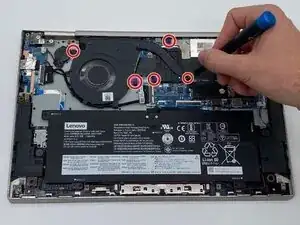
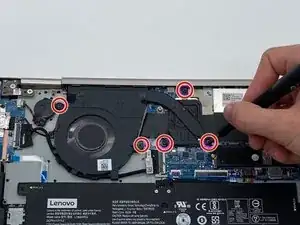
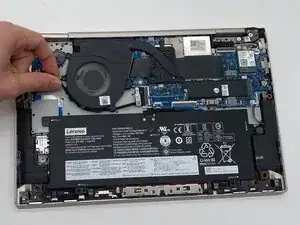
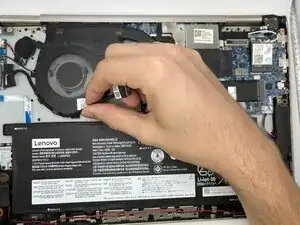
Use the point of a spudger to push on alternating sides of the connector to "walk" it out of its socket.
-
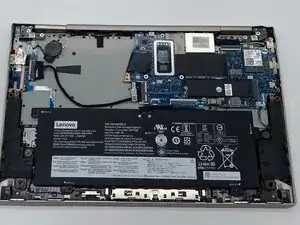
To reassemble your device, follow these instructions in reverse order. Take your e-waste to an R2 or e-Stewards certified recycler.