Introdução
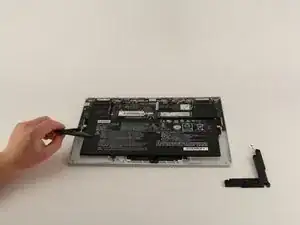
If your Lenovo Yoga 910-13IKB speakers sound muffled, distorted, or fail to produce any sound at all, access and replace them using this guide. This is a simple procedure, only requiring a JIS #00 screwdriver.
Ferramentas

-
-
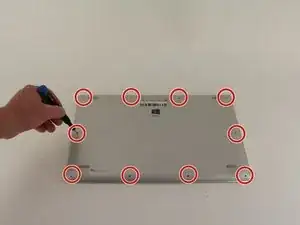
Turn the laptop over and remove the ten Torx T5 screws along the perimeter of the bottom panel.
-
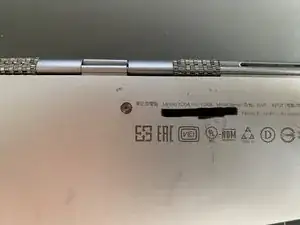
Remove the panel.
-
-
-
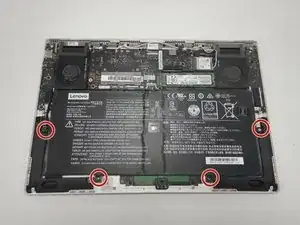
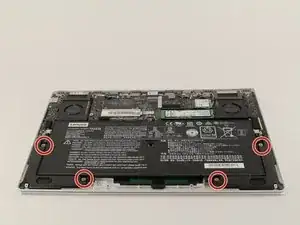
Use a Phillips screwdriver to remove the four M2 x 1.7 mm screws securing the battery to the laptop.
-
Remove the battery.
-
-
-
Remove the six Phillips screws that attach the trackpad to the device.
-
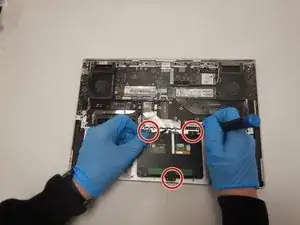
Use a spudger to disconnect the ribbon cable connector from the trackpad.
-
Remove the trackpad using a spudger.
-
-
-
Use a Phillips screwdriver to remove six screws attached to the USB ports on both sides of the device.
-
Detach both ribbon cables attached to each USB port with a spudger, then detach the USB ports.
-
-
-
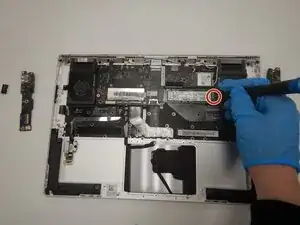
Use a small Phillips screwdriver to remove all single screw securing the SSD stick to the motherboard.
-
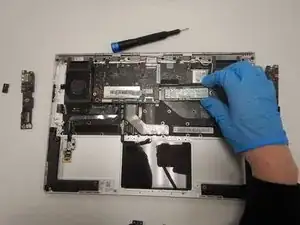
Slide the SSD stick from the port on the motherboard.
-
-
-
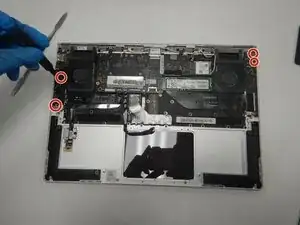
Use a small Phillips screwdriver to remove four screws from the fans.
-
Remove the back connector strip using a spudger to pry it off of the device.
-
Remove the fans.
-
-
-
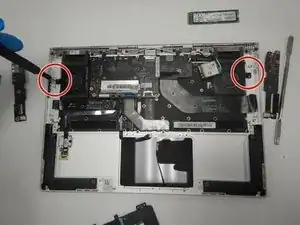
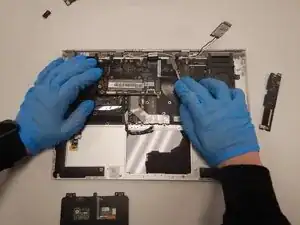
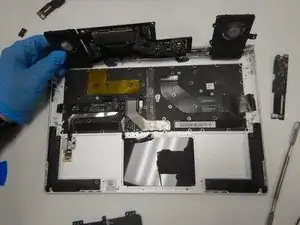
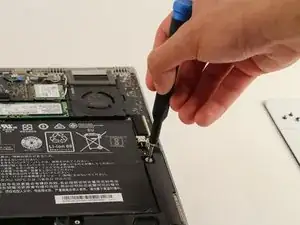
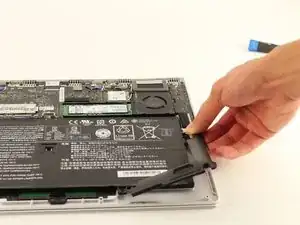
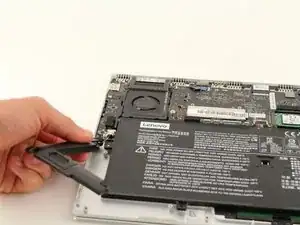
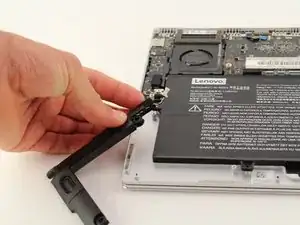
Lift up the speaker from the corner of the device.
-
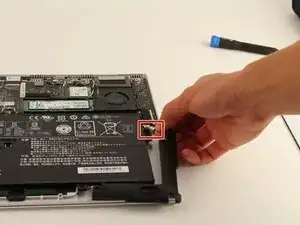
Pull gently on the bundled cable connector at the top of the speaker.
-
To reassemble your device, follow these instructions in reverse order.
