Introdução
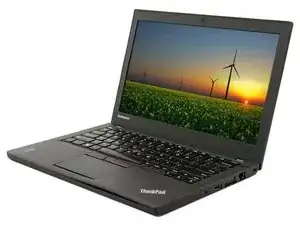
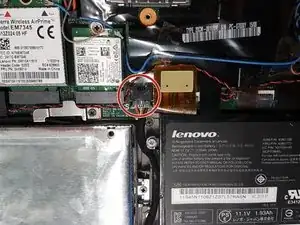
If your battery has failed or is no longer reaching your needs, you may need to replace your laptop's internal battery.
Ferramentas


-
-
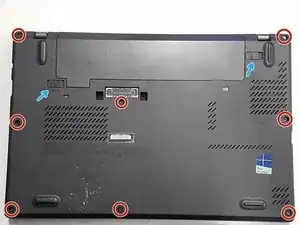
Unscrew the 8 screws holding the back panel in place.
-
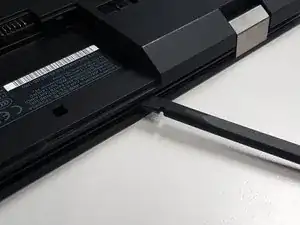
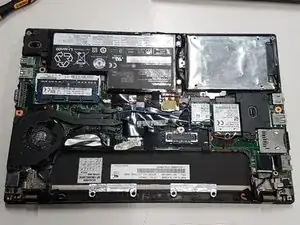
Use a plastic prying tool to release all the clips holding the panel in place.
-
Conclusão
To reassemble your device, follow these instructions in reverse order. Take your e-waste to an R2 or e-Stewards certified recycler.
