Introdução
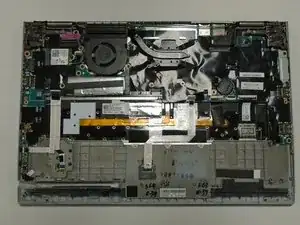
The Trackpad is an essential component to the laptop, allowing you to operate the computer. Oftentimes, after long term use the trackpad will become stuck, jammed, or unresponsive when trying to use it. If your trackpad has issues like this then you may need to replace it.


-
-
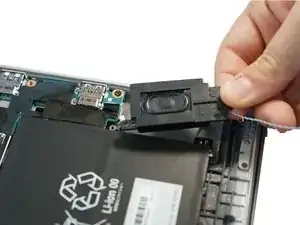
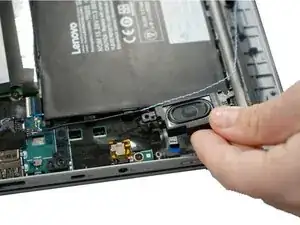
Follow the ribbon cable that runs from the left speaker to the motherboard.
-
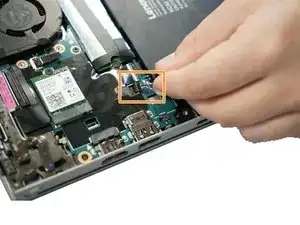
Pull the black connector up and release the cable wire by hand.
-
-
-
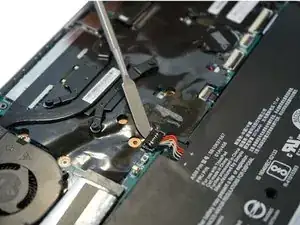
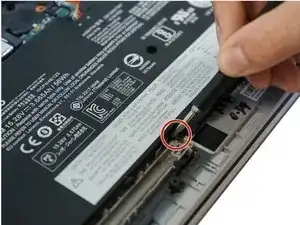
Use a spudger to pop the ribbon cable that runs from the upper-middle portion of the battery to the motherboard out of the motherboard.
-
-
-
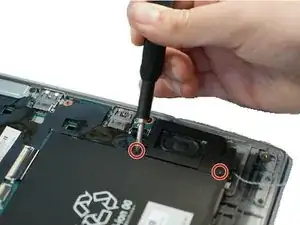
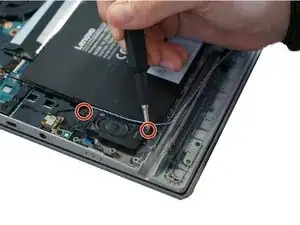
Use a Phillips #0 screwdriver to remove one 6 mm screw from the bottom-middle portion of the battery.
-
Conclusão
To reassemble your device, follow these instructions in reverse order.

I've seen also that it's recommended to activate the option : <Disable Built-in Battery> in the BIOS > POWER
As the battery apparently still emits a little bit even when turned off.
Laurent -