Introdução
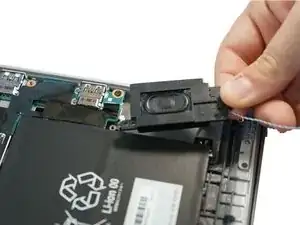
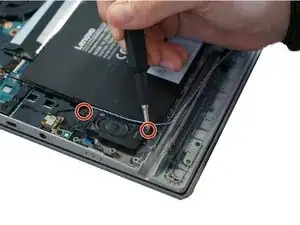
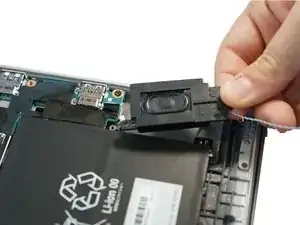
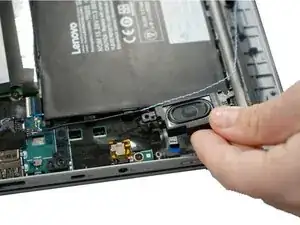
If you have determined that faulty speakers are the cause of distorted audio, follow this guide to replace them. If you are unsure, follow these steps in the Troubleshooting Page to determine if the issue is caused by your headphones, the audio jack, or the speakers themselves. Removing the speakers is also necessary before replacing the battery.
Ferramentas


-
-
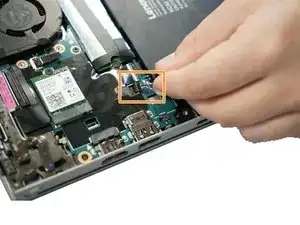
Follow the ribbon cable that runs from the left speaker to the motherboard.
-
Pull the black connector up and release the cable wire by hand.
-
Conclusão
To reassemble your device, follow these instructions in reverse order.

I've seen also that it's recommended to activate the option : <Disable Built-in Battery> in the BIOS > POWER
As the battery apparently still emits a little bit even when turned off.
Laurent -