Introdução

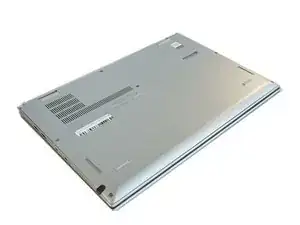
To access any of the internal components of your laptop, the back cover needs to be removed. Use this guide as a prerequisite to any of the replacement guides.

  1. RUVanctWGYInflPC
    • Ensure the laptop is powered off and the charging cable is disconnected before opening the back cover.

    • Flip over the laptop to access the back cover.

    I've seen also that it's recommended to activate the option : <Disable Built-in Battery> in the BIOS > POWER

    As the battery apparently still emits a little bit even when turned off.

    Laurent -

  2. CIooEkrOuiwyjePc
    CIooEkrOuiwyjePc
    ncptBZUdWSkQD3Ke
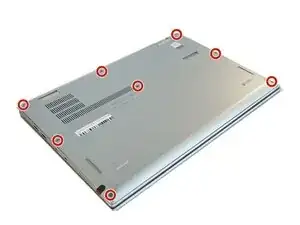
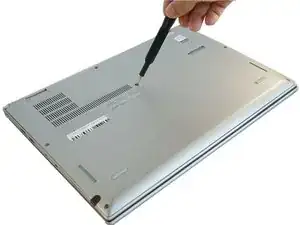
    • Use a Phillips #0 screwdriver to remove the eight 8 mm screws.

    More pricesely, screws need to be unscrewed, but not removed, since they stay attached to the back cover. Trying to remove them may damage the small gaskets around the screw shaft.

    Edouard Rossignol -

  3. 5YNLPLYLjWPDbLPI
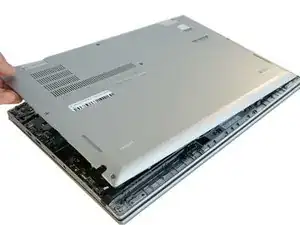
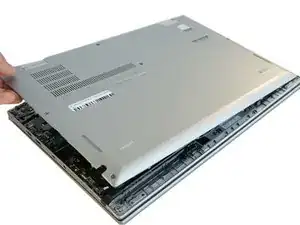
    • Remove the back cover.

    • A popping sound may occur when the back cover is removed.

    Good solution, but where do I find the battery?

    Brian Arnold -

Conclusão

To reassemble your device, follow these instructions in reverse order.

Ashley Haraguchi

Membro desde: 10/02/20

617 Reputação

0 comentários