Introdução
If you want to upgrade or replace your ThinkPad T540p laptop's hard drive use this guide.
As we use our devices, we create files and download things all the time. Over time these actions use up our devices storage, and eventually we run out of space left on our device. Additionally, older laptops that still use traditional hard disk drives (HDDs) may experience performance issues or complete drive failure as they age.
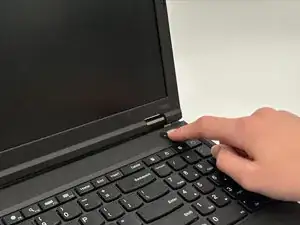
Before beginning, make sure to power off the laptop completely and disconnect it from the charger.
Ferramentas


-
-
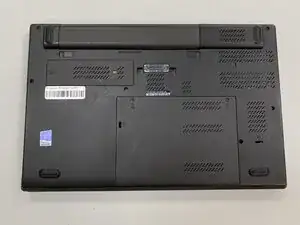
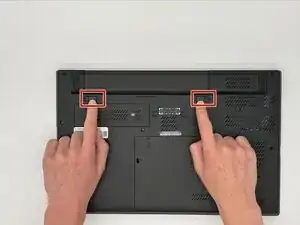
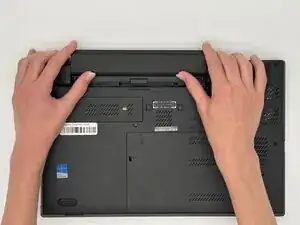
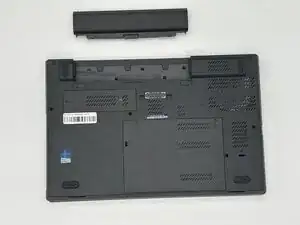
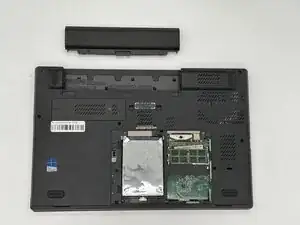
Flip the laptop over so the bottom is showing.
-
Orient the laptop so that the the battery bump is facing away from you.
-
-
-
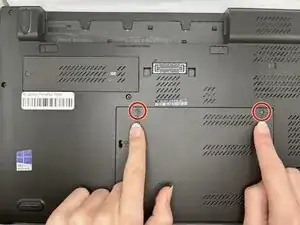
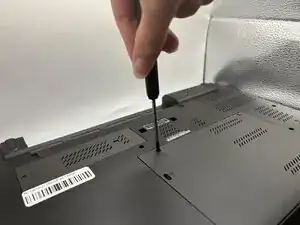
Loosen the two M2 x 5mm captive screws on the large back panel with a Phillips #1 screwdriver.
-
-
-
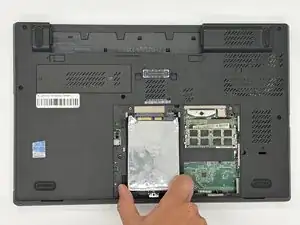
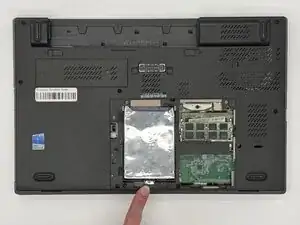
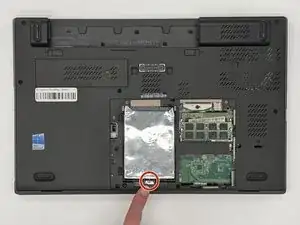
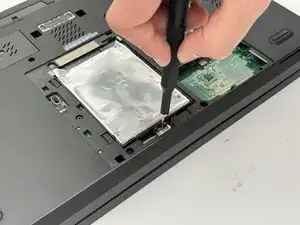
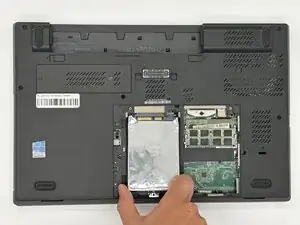
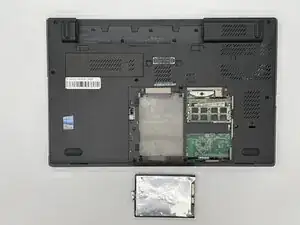
Remove the single M2 x 3 mm screw that is holding the hard drive in place with a #1 Phillips screwdriver.
-
To reassemble your device, follow the above steps in reverse order.
Take your e-waste to an R2 or e-Stewards certified recycler.
Repair didn’t go as planned? Try some basic troubleshooting or ask our Answers community for help.