Introdução
If your ThinkPad T540p laptop isn’t turning on or maintaining a charge after the power connector is unplugged, use this guide to replace the laptop's battery with no tools.
As devices age, their batteries degrade as a result of general use and letting the battery fully discharge. Over time this causes the battery to hold less and less capacity and eventually hold no charge.
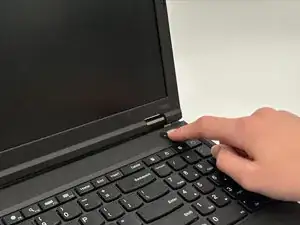
Before beginning, make sure to power off the laptop completely and disconnect it from the charger.
Warning: Swollen batteries are fire hazards and need to be handled with caution. For more reading on this topic, check out this page on the proper procedure when dealing with this scenario: What to do with a swollen battery - iFixit

-
-
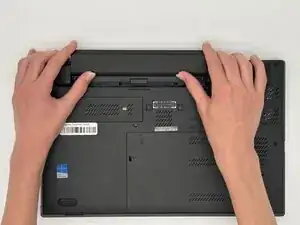
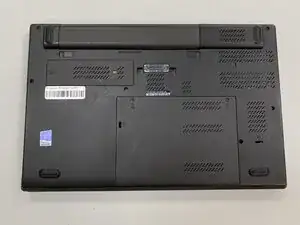
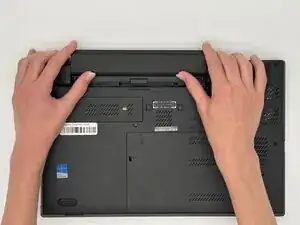
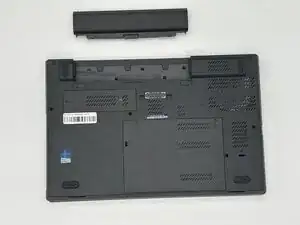
Flip the laptop over so the bottom is showing.
-
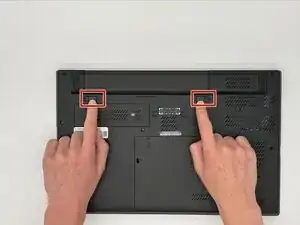
Orient the laptop so that the the battery bump is facing away from you.
-
To reassemble your device, follow the above steps in reverse order.
For optimal performance, after completing this guide, calibrate your newly installed battery.
Take your e-waste to an R2 or e-Stewards certified recycler.
Repair didn’t go as planned? Try some basic troubleshooting or ask our Answers community for help.