Introdução
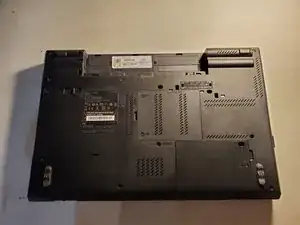
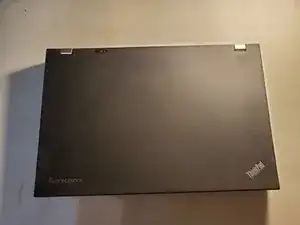
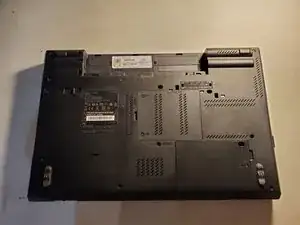
This guide will explain how to replace the external battery on the ThinkPad T520.
-
-
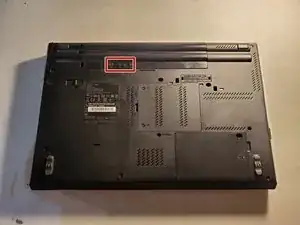
Using your fingers, slide the lock to the unlocked position.
-
Then remove the battery from the slot.
-
Conclusão
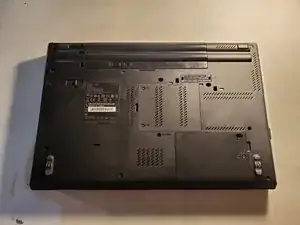
To reassemble your device, follow these instructions in reverse order.

Um comentário
My laptop doesn’t want to charge. I used the old adapter this morning 26/07/2025 just before 7am. It went on and made it to the Home Screen but then it switched off. I bought a new adapter thinking it the old one just gave in but now it’s not charging at all. What could it be? Could the old one have caused damage somehow?