Introdução

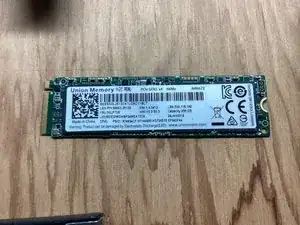
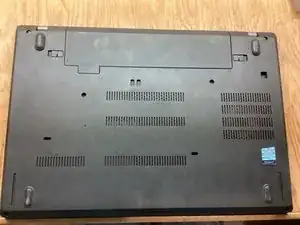
This guide will show you how to replace the SSD on your Lenovo Thinkpad T480 laptop. Backup your data before replacing if possible.

  1. BKNEddyAeFBYgQkT
  2. xvLQrjEWEobHiYPB
    xvLQrjEWEobHiYPB
    LFj5YFMCTqKGkYBM
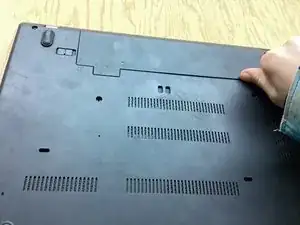
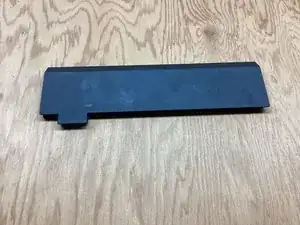
    • Push Clip 1 to the side. While holding Clip 2 to the side, push the battery out of the laptop.

  3. cMIKBYOqWCKcivNg
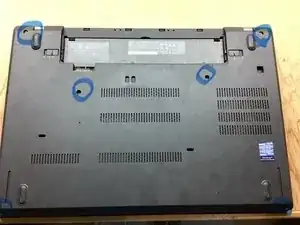
    • Remove all Phillip-head screws shown.

    • The screws will not come out of the casing, so unscrew them all the way until they don’t go any higher.

  4. hgU1OljQLKuLIyLu
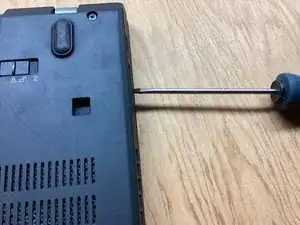
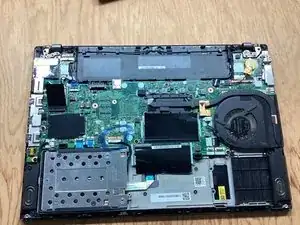
    • Pry up on the casing using a spudger or a flat-head screwdriver and remove the back.

  5. 6x25OhlXeIOXNKjO
    6x25OhlXeIOXNKjO
    ZCX5fNAJqpPVmlx2
    vexbNFSXw5o1VEHq
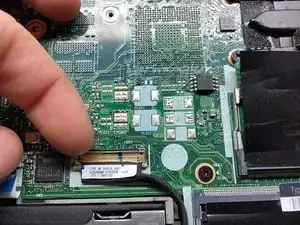
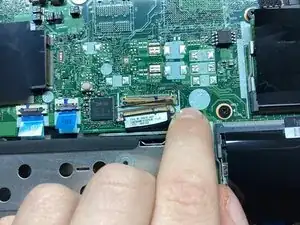
    • Pry up on the little metal bar on the connector and pull the connector out of its socket.

  6. 5SaO3GAH6AIemAr1
    5SaO3GAH6AIemAr1
    6MItgYPeSQgVNeCn
    ahWVNTfOZAlXSJai
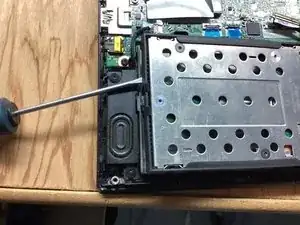
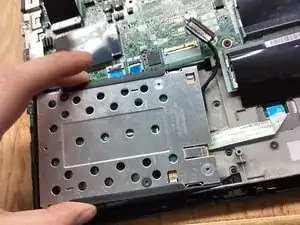
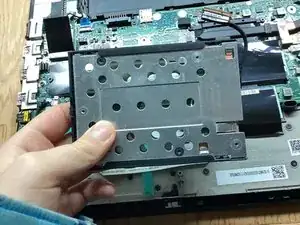
    • Pry up on the left side of the SSD casing. Pull the casing to the left, and remove.

  7. lnMSFmwP51WMddMv
    lnMSFmwP51WMddMv
    oJg2KCxpTwNbjGIb
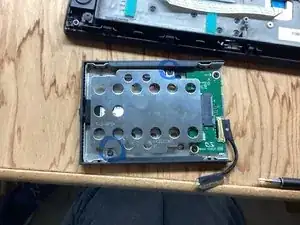
    • Remove the following 4mm Phillip-head screws and remove the plate.

  8. HHHe12JbEfWkmG22
    HHHe12JbEfWkmG22
    4WEo23kTyFJRsw2O
    aYP2vkOjQIX62r5J
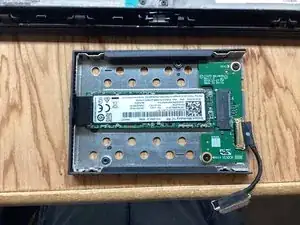
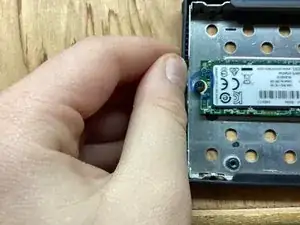
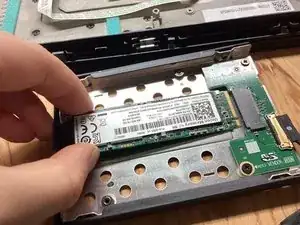
    • Remove the 4mm Phillip-head screw and pull the SSD out of its socket.

Conclusão

To reassemble your device, follow these instructions in reverse order.
Dane Elliott-Dyson

Membro desde: 06/11/23

658 Reputação

2 comentários

Super useful

Patrick Webster -

There's a slightly safer (as in, less likely to leave little plastic tabs all over your desk) approach to getting the base off. It's documented very well in the official T480 Hardware Maintenance Manual.

https://download.lenovo.com/pccbbs/mobil...

If that link breaks, search online for "T480 hmm".

Find the "Base cover assembly" section and note where they tell you to push down with your thumb, and pull up with your fingers. The numbered arrows show you the order in which to approach things.

Graham -