Introdução
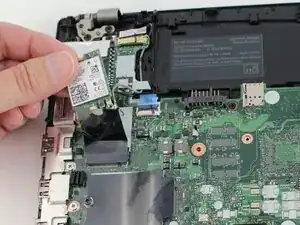
In this guide you will learn how to replace the Wi-Fi card in your Lenovo ThinkPad T14 Gen 3. The Wi-Fi card enables your laptop to connect to wireless networks through a router. When within range, your laptop can access the internet unless the network is password-protected. If the Wi-Fi card malfunctions, you may notice issues like failing to detect networks, unstable connections, or complete loss of connectivity. Before beginning, disable the internal battery, power off the laptop, and unplug the charger.


-
-
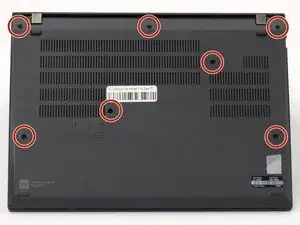
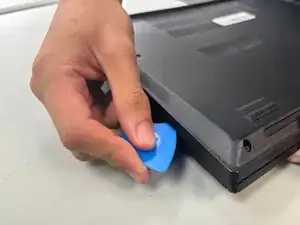
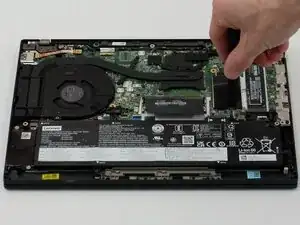
Insert an opening pick into the seam between the back panel and chassis.
-
Slide the opening pick around the perimeter of the device to release the clips that hold the back panel to the device.
-
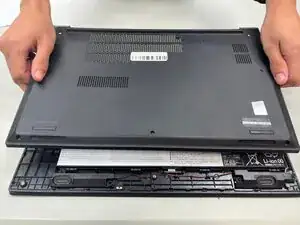
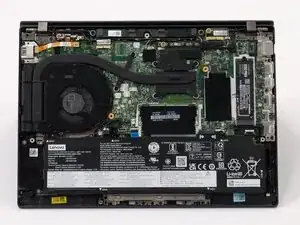
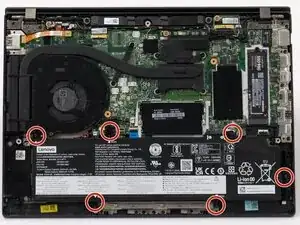
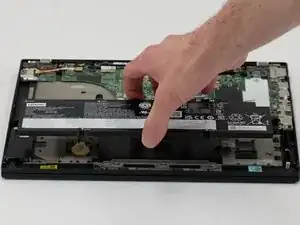
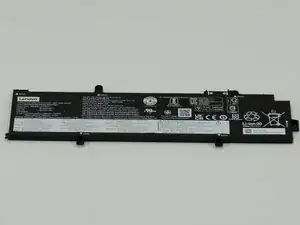
Remove the back panel.
-
-
-
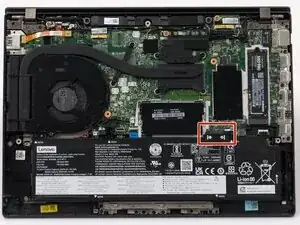
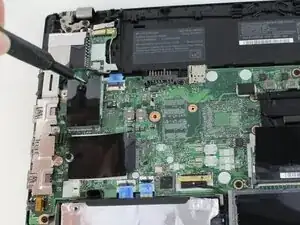
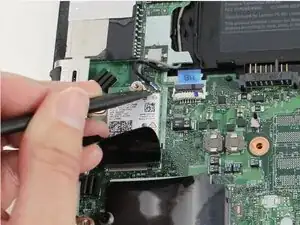
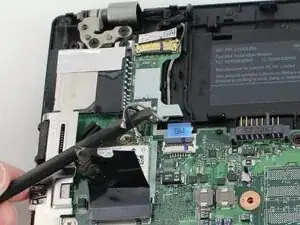
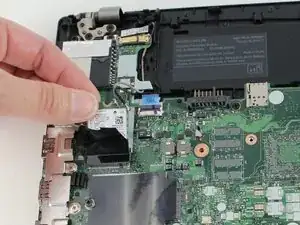
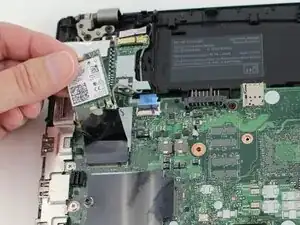
With a Phillips #1 screwdriver, remove the 3.6 mm screw located at the top of the Wi-Fi card that secures it to the motherboard.
-
To reassemble your device, follow the above steps in reverse order.
Take your e-waste to an R2 or e-Stewards certified recycler.
Repair didn’t go as planned? Try some basic troubleshooting or ask our Answers community for help.
