Introdução
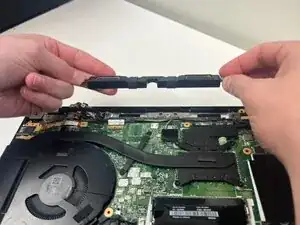
In this guide, we go over the steps to replace the speakers in the Lenovo ThinkPad T14 Gen 3. This guide is suitable if you are having problems with sound. Before you begin this guide, power off and unplug your laptop.
Ferramentas


-
-
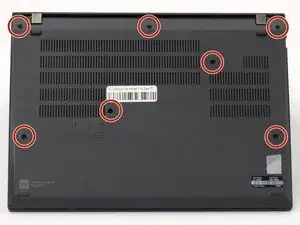
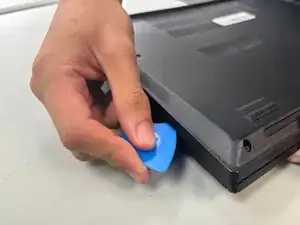
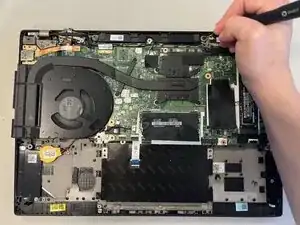
Insert an opening pick into the seam between the back panel and chassis.
-
Slide the opening pick around the perimeter of the device to release the clips that hold the back panel to the device.
-
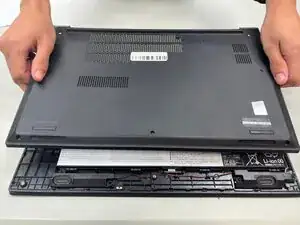
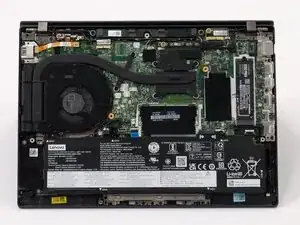
Remove the back panel.
-
-
-
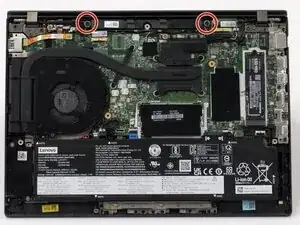
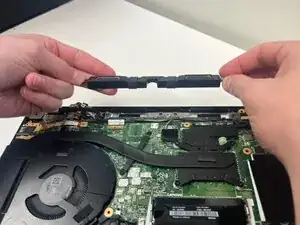
Use a Phillips screwdriver to remove two 3 mm-long screws that are at each end of the speaker.
-
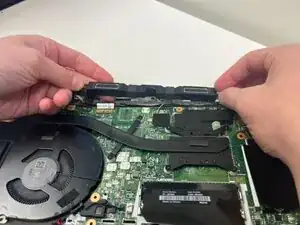
Disconnect the speaker connector.
-
To reassemble your device, follow the above steps in reverse order.
Take your e-waste to an R2 or e-Stewards certified recycler.
Repair didn’t go as planned? Try some basic troubleshooting or ask our Answers community for help.