Introdução
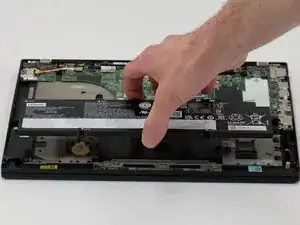
This guide will help you replace the battery in your Lenovo ThinkPad T14 Gen 3 21CF/21CG. This repair will also apply to the ThinkPad series models:
The battery is the power bank for your device, and allows it to be operational without a cord. Sometimes they can fail, get damaged, or become faulty. This could mean the battery needs to be replaced. If your battery is swelling, damaged, or maybe not working as effectively, then a replacement might be a good solution. For tips on dealing with a swollen battery, follow the guidelines in this link. Also remember to dispose of any parts and waste properly, guidelines for which can be found through the EPA’s website.
Be sure to review the troubleshooting guide before replacing any parts, batteries could be affected by other issues that do not warrant a replacement.
Never work on an electronic device that is plugged in to a power outlet.
- The device should be physically unplugged, not just “switched off.”


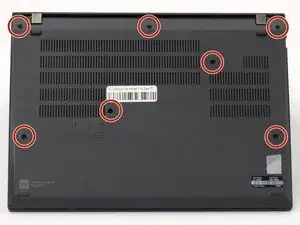
-
-
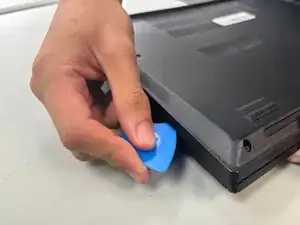
Insert an opening pick into the seam between the back panel and chassis.
-
Slide the opening pick around the perimeter of the device to release the clips that hold the back panel to the device.
-
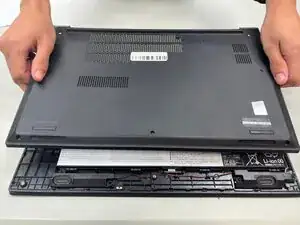
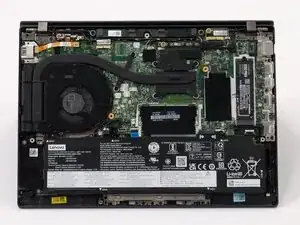
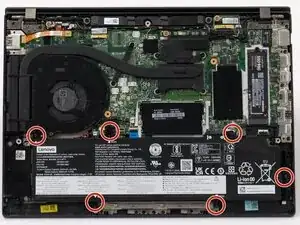
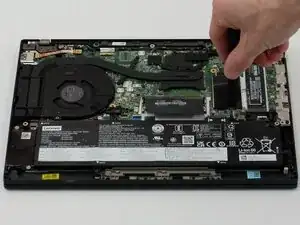
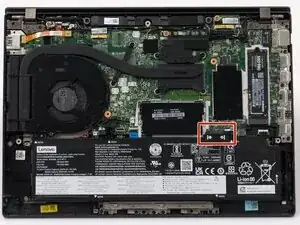
Remove the back panel.
-
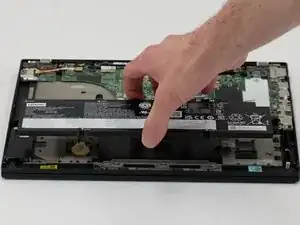
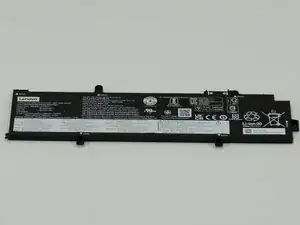
To reassemble your device, follow these instructions in reverse order. For optimal performance, calibrate your newly installed battery after completing this guide.
Take your e-waste to an R2 or e-Stewards certified recycler.
