Introdução
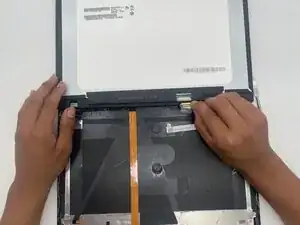
This guide shows how to replace the screen on a Lenovo ThinkPad T14 Gen 1. A functional screen is essential for productive use. You may need to replace it if the screen is cracked, unresponsive, or completely broken.
The Lenovo ThinkPad T14 Gen 1 uses a variety of screens. When looking for a replacement, ensure it is compatible and has a 30- or 40-pin connector.
Before you begin, completely power off the laptop and work on a clean, uncluttered surface. A clear workspace helps prevent damage to internal components and reduces the risk of injury.


-
-
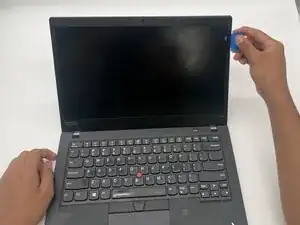
Insert a plastic opening pick between the screen and the plastic bezel on the side.
-
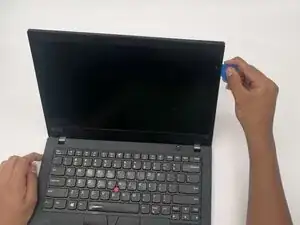
Slide the opening pick along the edge of the screen to release clips that secure the bezel.
-
-
-
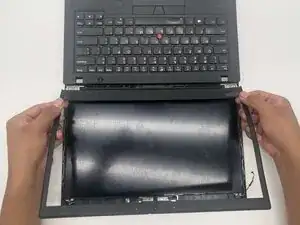
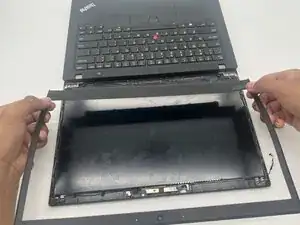
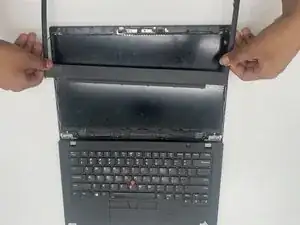
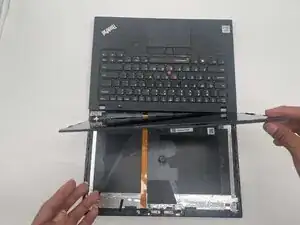
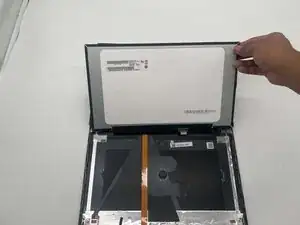
Lift along the edges of the trim to remove fully.
-
Remove the bottom portion by gently tugging to remove the trim where it meets the hinges.
-
-
-
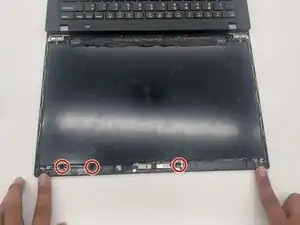
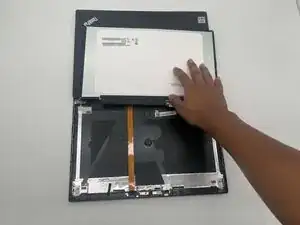
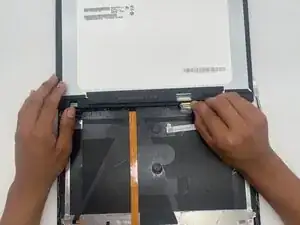
Remove the clear tape covering the connector.
-
Using a plastic tool or your nail, lift the tension clip that is holding it in place.
-
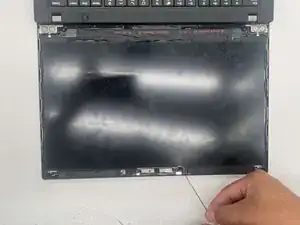
Tug gently on the ribbon until it comes out.
-
To reassemble your device, follow these instructions in reverse order. Take your e-waste to an R2 or e-Stewards certified recycler.