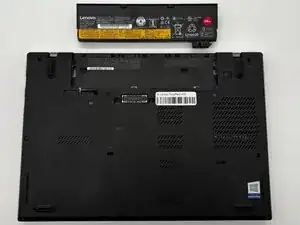
Introdução
Use this guide to replace the external battery in a Lenovo ThinkPad L470. Replacing the battery can resolve power issues such as rapid drain, unexpected shutdowns, or the laptop only powering on when plugged in. A failing battery may cause the system to shut off abruptly, fail to hold a charge, or charge very slowly.
Common Symptoms of a faulty battery
- Rapid battery drain
- Laptop shuts down unexpectedly
- Battery not detected or stuck at 0-1%
- Swelling or overheating
- Laptop only turns on when plugged in
Before you begin
- Shut down Windows completely, do not use Sleep or Hibernate.
- Unplug the AC adapter.
- Turn the laptop over a clean, static-safe surface.
After the repair
- Boot into Windows and verify the battery is detected and charging.
- Update Lenovo Vantage or the BIOS if battery detection issues occur.
-
-
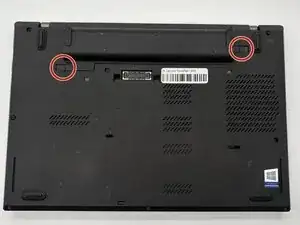
Turn off the laptop and unplug the AC adapter.
-
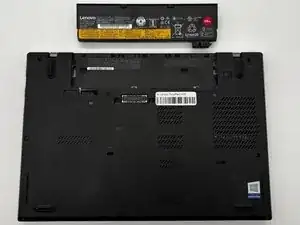
Slide the battery latch to unlock and lift out the external battery.
-
Hold the power button for 10 seconds to discharge any leftover power.
-
Conclusão
To reassemble your device, follow these instructions in reverse order.