Introdução
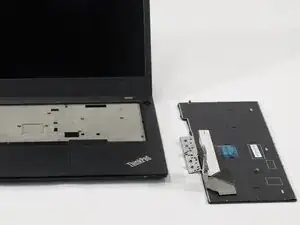
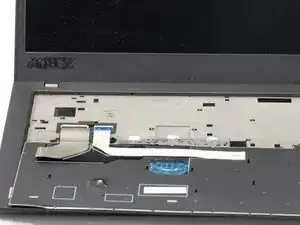
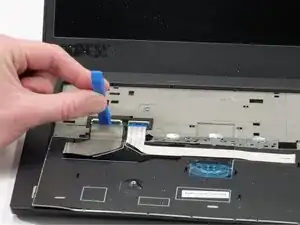
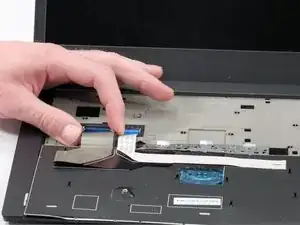
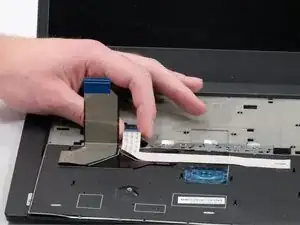
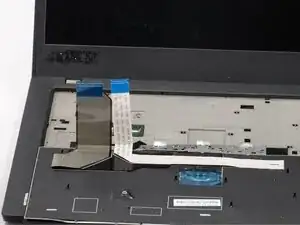
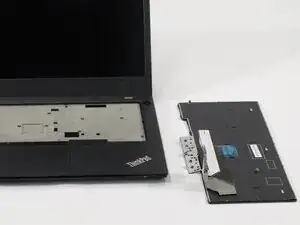
This guide will explain how to remove and replace the keyboard on your Lenovo ThinkPad L14 Gen 2 (ID- TP00120F2) (SN-PF-38VNB5) (TN-20x1–006FUS). The keyboard is the main input device used for typing text and entering commands on the laptop.
For more information on symptoms of a broken keyboard, refer to this troubleshooting page: (Lenovo ThinkPad L14 Gen 2 Non-Responsive Keyboard)
- CAUTION: Please be sure that your computer is completely off before attempting to open it up.
- Discharge and disconnect it from any plugs (chargers, etc.).
Ferramentas


Conclusão
To reassemble your device, follow these instructions in reverse order.

Um comentário
Some back screws need to be loosened first!