Introdução
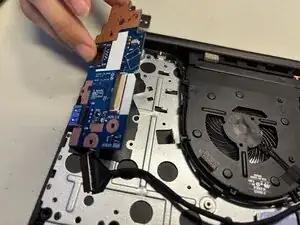
If your Lenovo ThinkPad E15 Gen 3 has a broken port (USB, HDMI, etc.), or you are unable to use any port on the right hand side of your laptop, the easiest solution is to replace the I/O board. This guide will show how to remove the I/O board.
Ferramentas


-
-
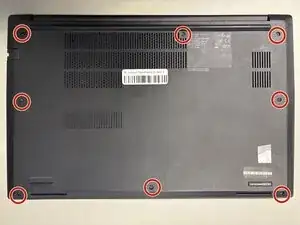
Use a Phillips #1 screwdriver to loosen the eight Phillips #1 captive screws.
-
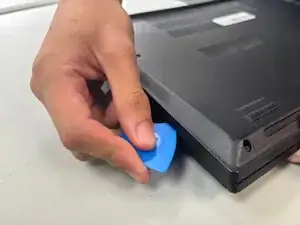
Slide the opening pick in-between the bottom cover and the upper case.
-
While gently pulling up with your free hand, slide the pick around the perimeter of the case disconnecting the clips.
-
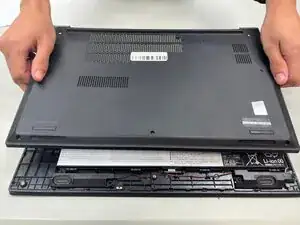
Lift the case upwards to remove it.
-
-
-
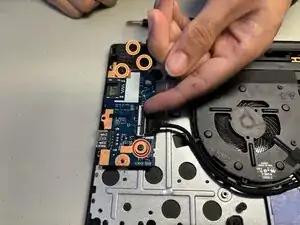
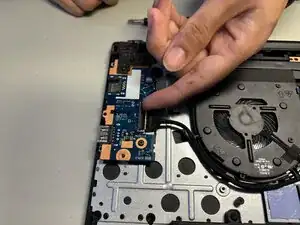
Use a Philips #1 Screwdriver to remove the one 5.6 mm-long Phillips #1 screw on the I/O board.
-
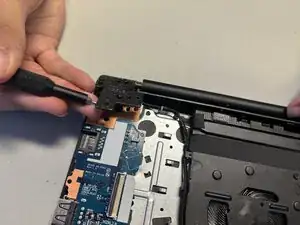
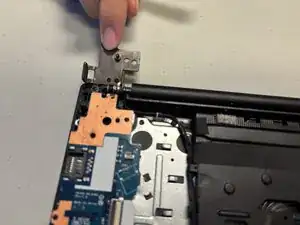
Remove the three 6.5 mm-long Phillips #1 screws on the hinge.
-
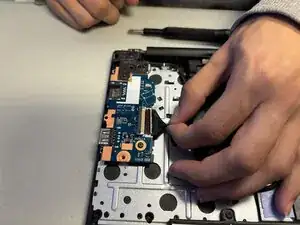
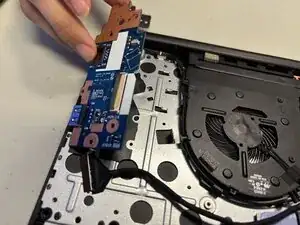
Flip the ZIP locking flap up with your fingertip or a spudger.
-
Disconnect the cable.
-
To reassemble your device, follow the above steps in reverse order.
Take your e-waste to an R2 or e-Stewards certified recycler.
Repair didn’t go as planned? Try some basic troubleshooting or ask our Answers community for help.