Introdução
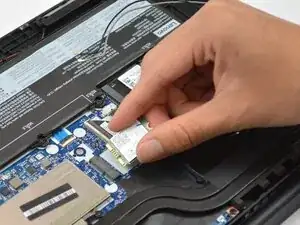
If you are experiencing Wi-Fi issues, use this guide to replace the Wi-Fi card in your Lenovo ThinkPad E15 Gen 2 (Models 20T8, 20T9, 20TD, 20TE).


-
-
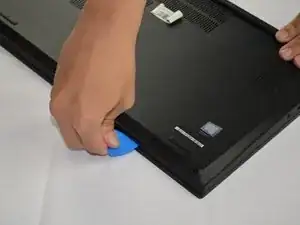
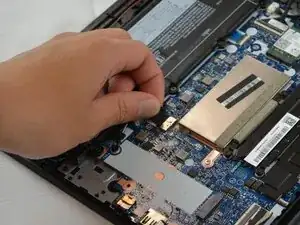
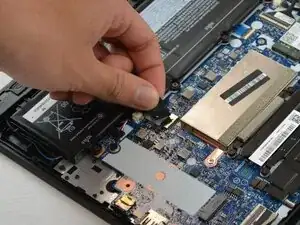
Insert an opening pick into the seam between the lower case and chassis.
-
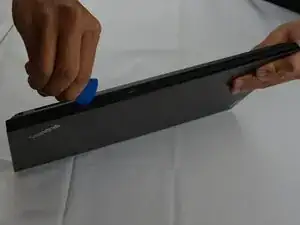
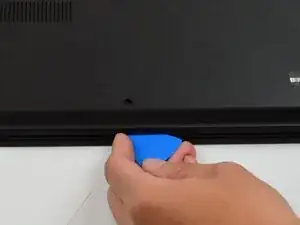
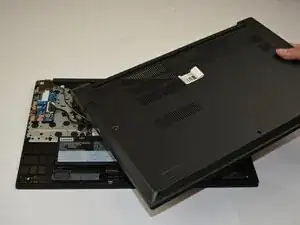
Slide the pick around the entire perimeter until the lower case fully releases.
-
-
-
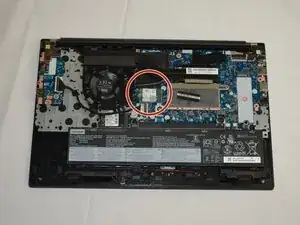
Locate the Wi-Fi card.
-
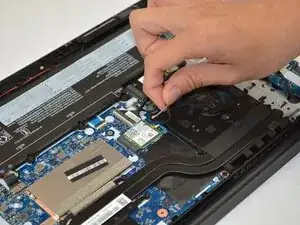
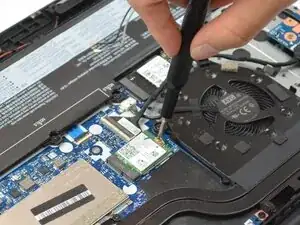
Use the pointed end of the spudger to pry up and disconnect the two Wi-Fi card antenna cables.
-
-
-
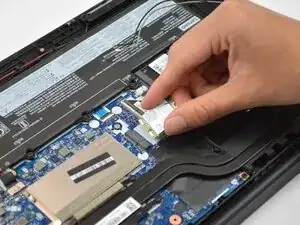
Use a Phillips #1 screw driver to remove the single 3.5 mm screw holding the Wi-Fi Card in place.
-
Conclusão
To reassemble your device, follow the above steps in reverse order.
Take your e-waste to an R2 or e-Stewards certified recycler.
Repair didn’t go as planned? Try some basic troubleshooting or ask our Answers community for help.
