Introdução
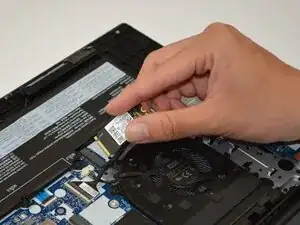
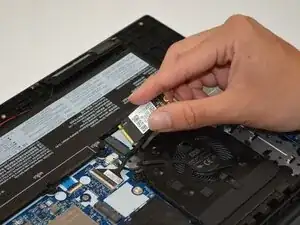
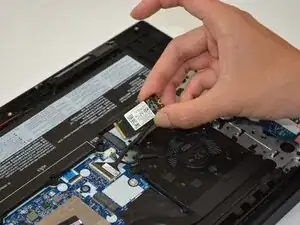
If you're Lenovo E15 Gen 2 (Model Numbers 20T8, 20T9, 20TD, 20TE) is in need of more storage, or has a faulty drive; use this guide to swap out the Solid State Drive, which is also known as an SSD.
Note: There is a second drive slot on the motherboard which can be used to insert a second drive in the system.
Ferramentas


-
-
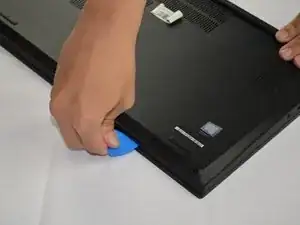
Insert an opening pick into the seam between the lower case and chassis.
-
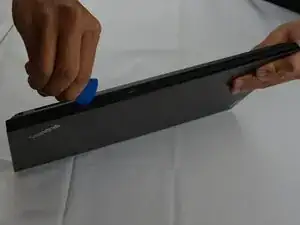
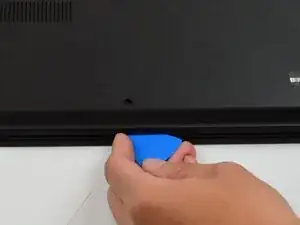
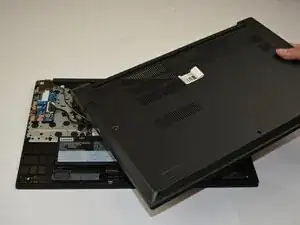
Slide the pick around the entire perimeter until the lower case fully releases.
-
-
-
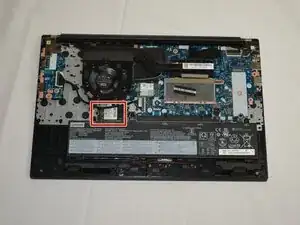
Locate the SSD.
-
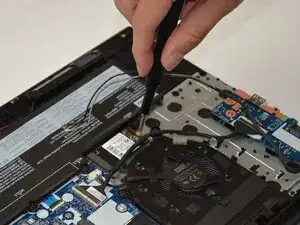
Unscrew the single 3.5 mm-long screw securing the SSD with a Philips #1 screwdriver.
-
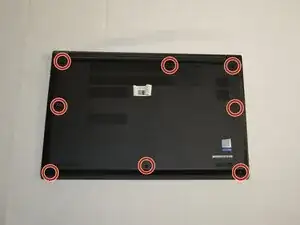
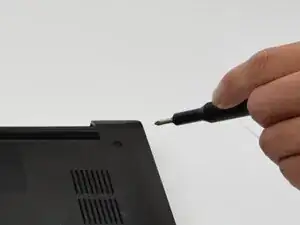
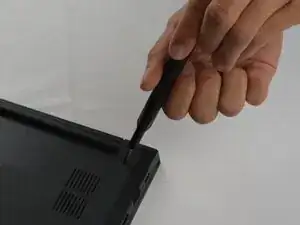
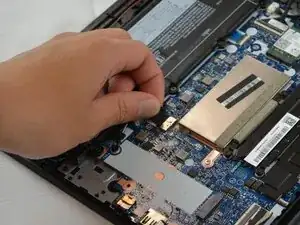
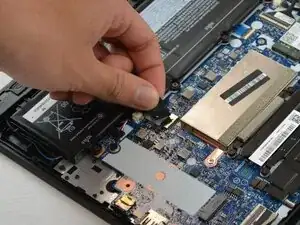
To reassemble your device, follow the above steps in reverse order.
Take your e-waste to an R2 or e-Stewards certified recycler.
Repair didn’t go as planned? Try some basic troubleshooting or ask our Answers community for help.
