Introdução
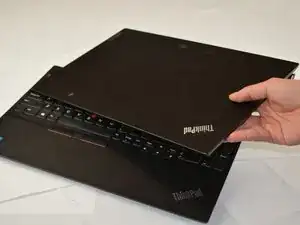
If your Lenovo ThinkPad E15 Gen 2 (models: 20T8, 20T9, 20TD, 20TE) has a cracked screen, dead pixels, or flickers, use this guide to replace the display.
Note: This guide shows how to replace the screen assembly, including the display panel, plastic bezel, exterior case, camera, and sensors as one unit. This guide is not for the display panel itself.
Ferramentas


-
-
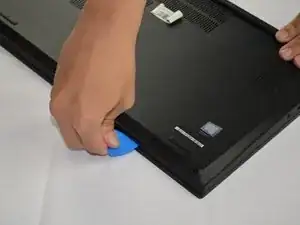
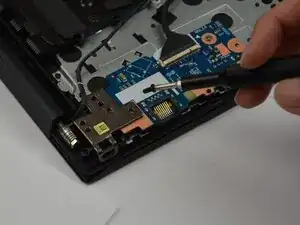
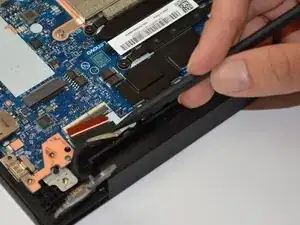
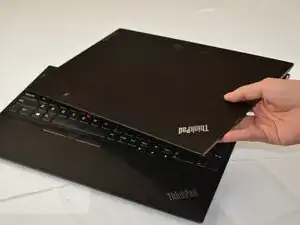
Insert an opening pick into the seam between the lower case and chassis.
-
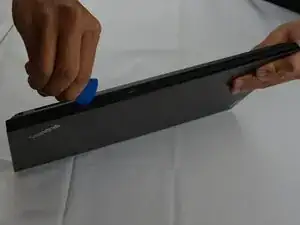
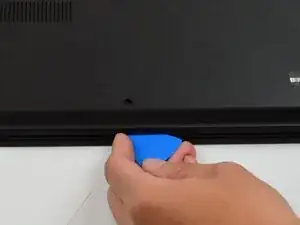
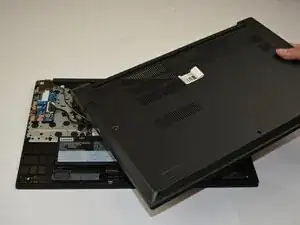
Slide the pick around the entire perimeter until the lower case fully releases.
-
-
-
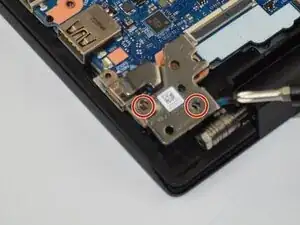
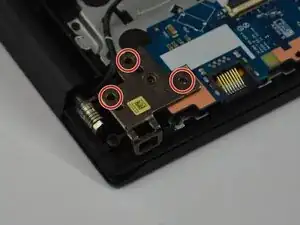
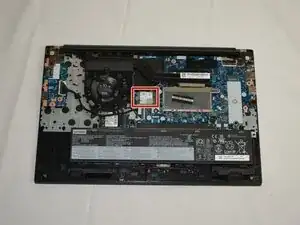
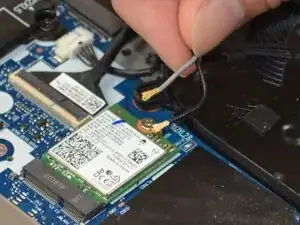
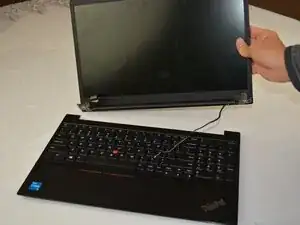
With a Phillips #1 screwdriver, remove the five 6.5 mm-long screws on the two display hinges.
-
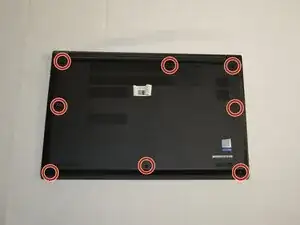
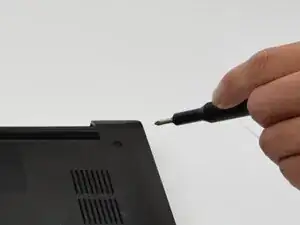
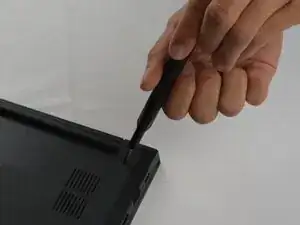
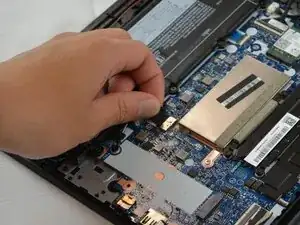
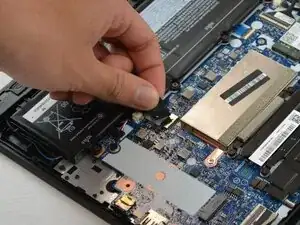
To reassemble your device, follow the above steps in reverse order.
Take your e-waste to an R2 or e-Stewards certified recycler.
Repair didn’t go as planned? Try some basic troubleshooting or ask our Answers community for help.
