Introdução
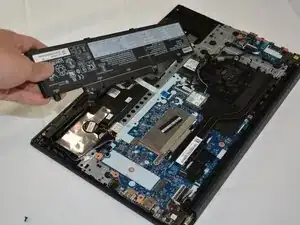
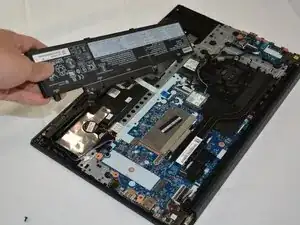
Use this guide to replace the battery on a Lenovo ThinkPad E15 Gen 2.
Ferramentas


-
-
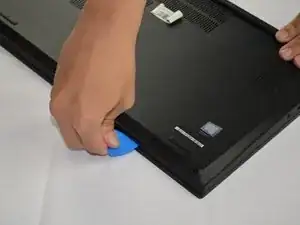
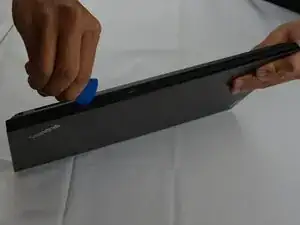
Insert an opening pick into the seam between the lower case and chassis.
-
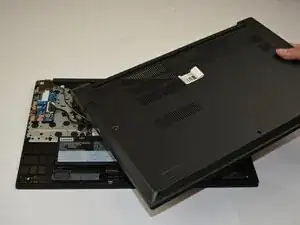
Slide the pick around the entire perimeter until the lower case fully releases.
-


Conclusão
To reassemble your device, follow the above steps in reverse order.
For optimal performance, after completing this guide, calibrate your newly installed battery.
Take your e-waste to an R2 or e-Stewards certified recycler.
Repair didn’t go as planned? Try some basic troubleshooting or ask our Answers community for help.