Introdução
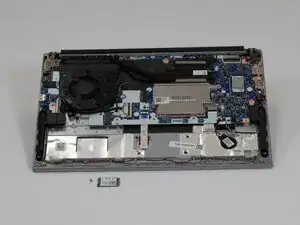
The Lenovo ThinkPad E14 Gen 4 is a 14" laptop designed mainly for small-to-medium businesses. It is part of the ThinkPad E Series, which prioritizes affordability and accessibility. This guide serves to inform how to remove and replace the wireless LAN card of the ThinkPad E14 Gen 4.
A wireless LAN card is an adapter card that allows the device it is installed into to connect to a LAN, or Local Area Network, of which Wi-Fi is the most widely known type. If your device is lagging/slow, having trouble showing available networks, or dropping known connections, these may be symptoms that the wireless LAN card is failing and needs replaced. The device may also produce an inordinate amount of heat, but that particular symptom may have a number of causes. Wireless Lan cards are not meant for frequent or rough treatment, so handle the component with care.
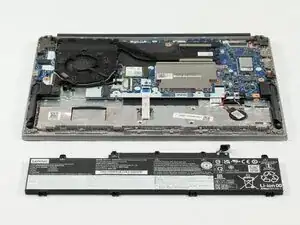
Warning: Before you begin opening your device, ensure that it is unplugged and that the battery is completely shut down.


-
-
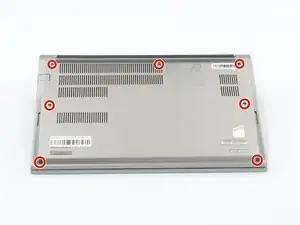
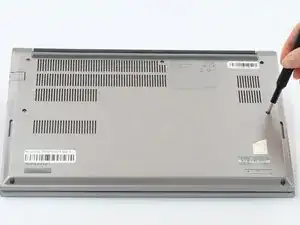
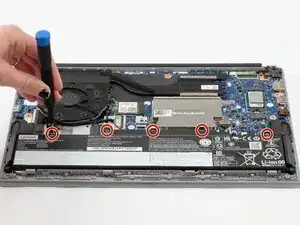
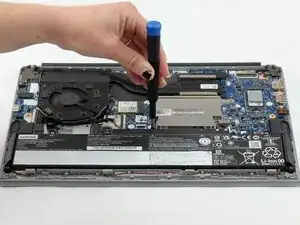
Loosen all seven captive screws on the back panel of the device with a Phillips #1 screwdriver.
-
-
-
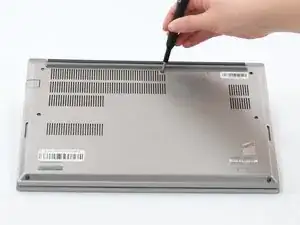
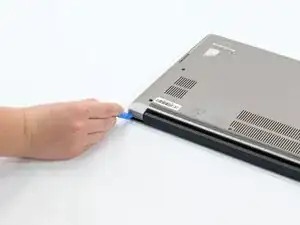
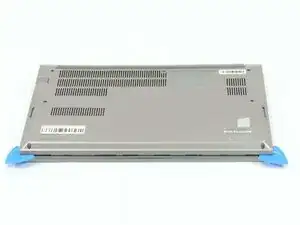
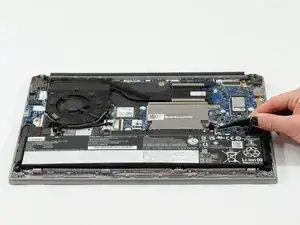
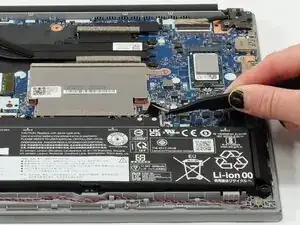
Insert an opening pick into the seam near the hinges.
-
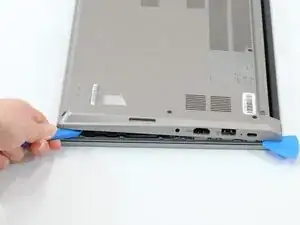
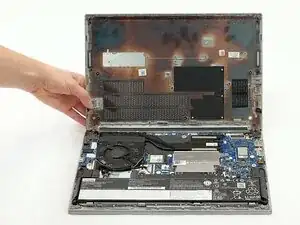
Working from the hinges to the front, gently pry apart the back of the device from the main body.
-
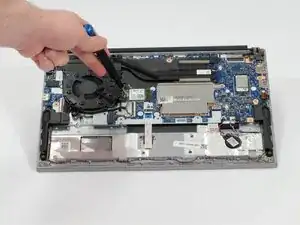
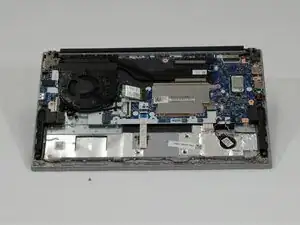
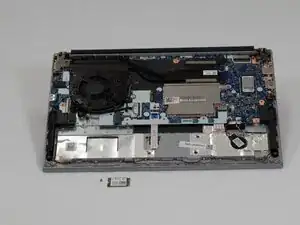
To reassemble your device, follow these instructions in reverse order.
