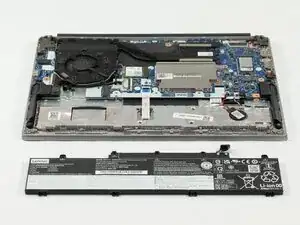
Introdução
The Lenovo ThinkPad E14 Gen 4 is a 14-inch business laptop available with either 12th Gen Intel Core or AMD Ryzen 5000 Series processors, mainly marketed for professional use. Key features include fast storage up to a Gen 4 SSD, Wi-Fi 6, and a range of ports including USB-C.
Is your Lenovo ThinkPad E14 Gen 4 laptop not holding a charge or simply not charging at all? This guide serves to teach you how to replace the battery in your device. Before taking your device apart to prep for replacement, be sure that you have the compatible battery for your device and that the device is not connected to any form of electricity. Never work on any device that is plugged into a power outlet. The device should be physically unplugged, not just "switched off."
Warning: If your battery looks swollen, take appropriate precautions.


-
-
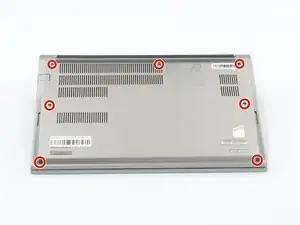
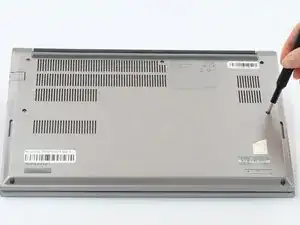
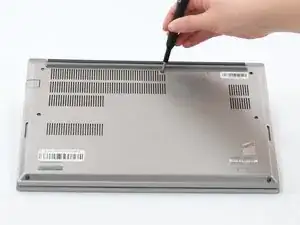
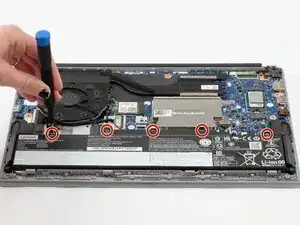
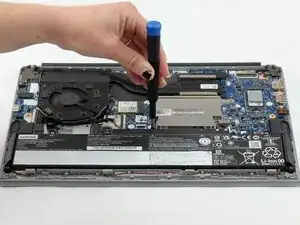
Loosen all seven captive screws on the back panel of the device with a Phillips #1 screwdriver.
-
-
-
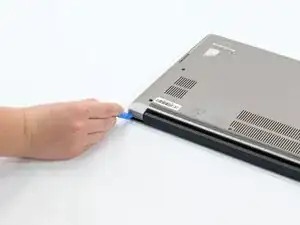
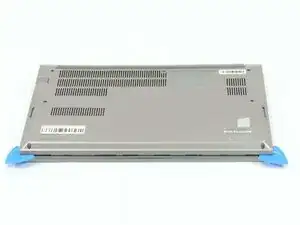
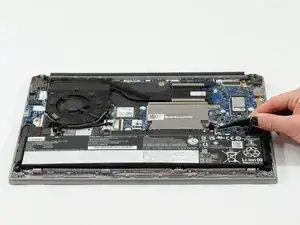
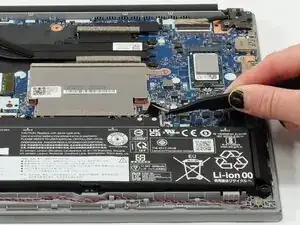
Insert an opening pick into the seam near the hinges.
-
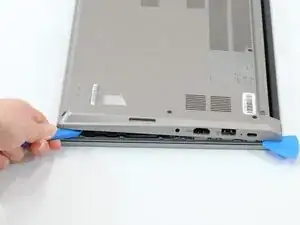
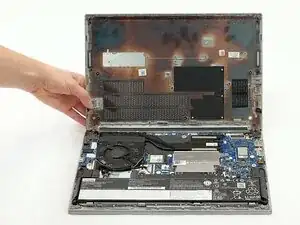
Working from the hinges to the front, gently pry apart the back of the device from the main body.
-
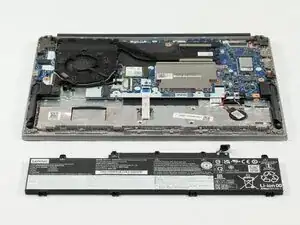
To reassemble your device, follow these instructions in reverse order.