Introdução
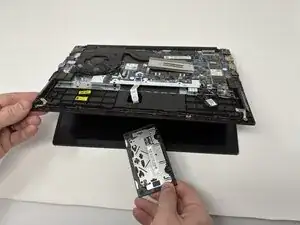
If the touchpad on your Lenovo ThinkPad E14 Gen 2 is unresponsive, erratic, or physically damaged, it may need to be replaced. The touchpad is an essential input device that allows you to control the cursor and navigate your laptop without an external mouse.
Before replacing the touchpad, check the Lenovo ThinkPad E14 Gen 2 troubleshooting pages to rule out software or driver issues.
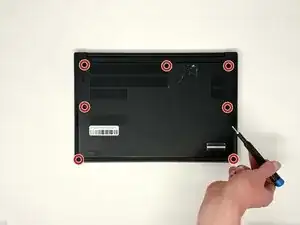
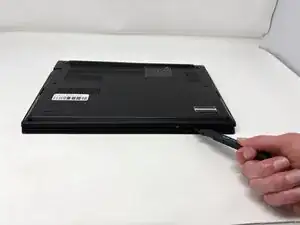
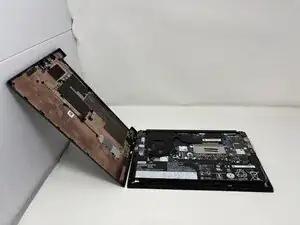
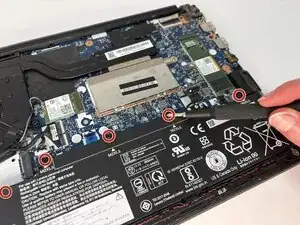
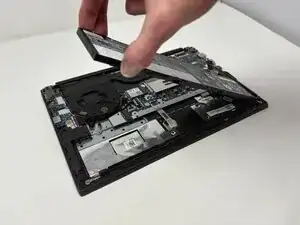
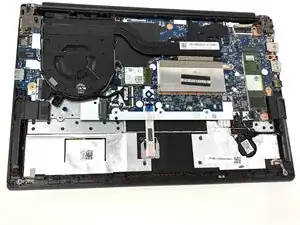
To access the touchpad, you’ll need to remove the bottom cover and disconnect the internal components that secure it in place.
Warning: Always power off your laptop and unplug the charging cable before beginning this repair to prevent electrical damage or personal injury.


-
-
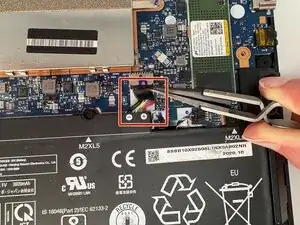
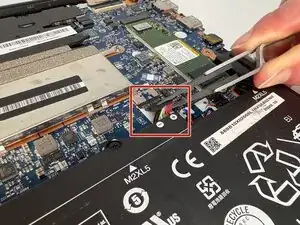
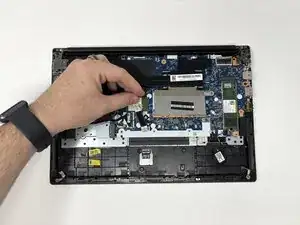
Use precision tweezers or your fingers to gently unplug the battery connector directly out of the motherboard socket.
-
-
-
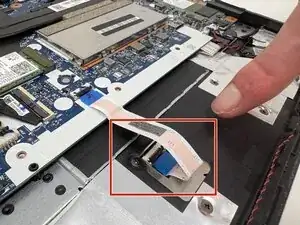
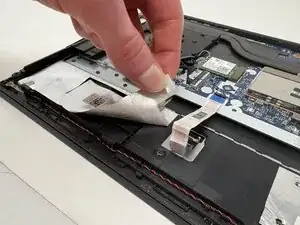
Pinch the bottom of the flat white ribbon cable where it is connected to the touchpad, and gently pull it out.
-
-
-
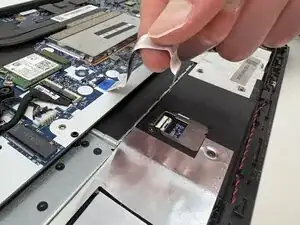
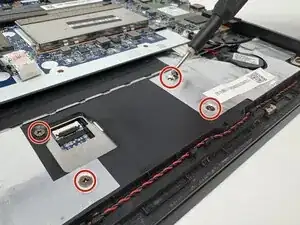
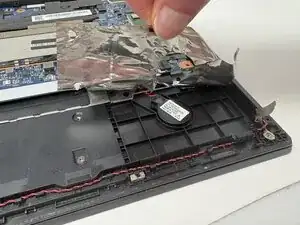
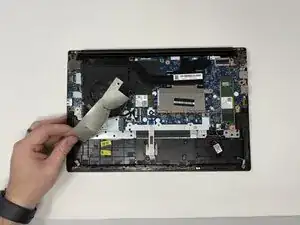
Gently peel back the EMI shielding tape that is on the left and right corners with your fingers.
-
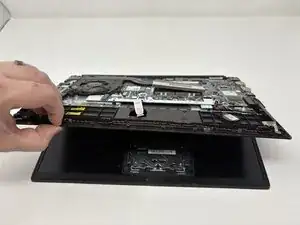
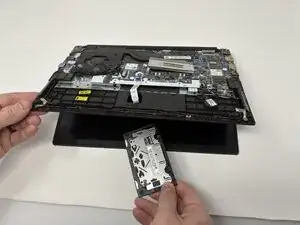
To reassemble your device, follow these instructions in reverse order.