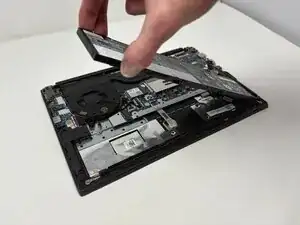
Introdução
If your Lenovo ThinkPad E14 Gen 2 is having trouble holding a charge or won’t power on without being plugged in, the battery may need to be replaced. Laptop batteries naturally degrade over time, losing their ability to store energy effectively after many charge cycles.
Before replacing the battery, check the Lenovo ThinkPad E14 Gen 2 troubleshooting pages for potential fixes.
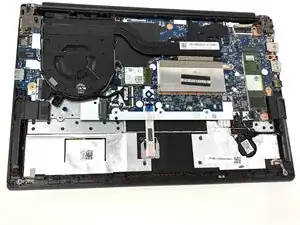
To access the battery, you’ll need to remove the laptop’s bottom cover to reach the internal components.
Always power off the device and disconnect the charging cable before starting the battery replacement or working inside the laptop.
Ferramentas


Peças

-
-
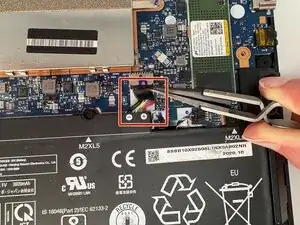
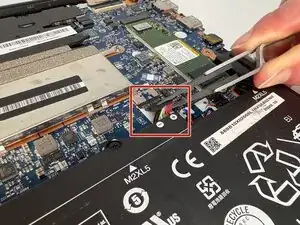
Use precision tweezers or your fingers to gently unplug the battery connector directly out of the motherboard socket.
-
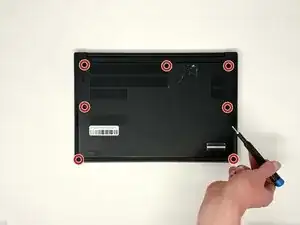
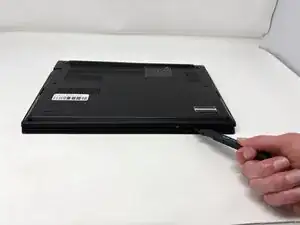
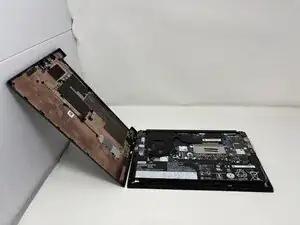
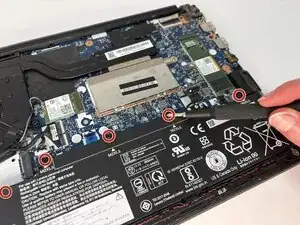
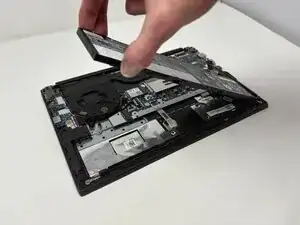
To reassemble your device, follow these instructions in reverse order.