Introdução
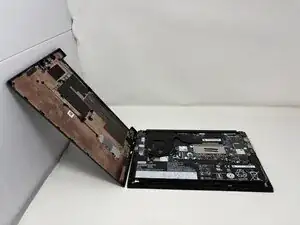
If your Lenovo ThinkPad E14 Gen 2’s back cover is cracked, bent, or won’t snap into place properly, it may need to be replaced. The back cover protects the laptop’s internal components and provides structural support, so any damage can affect both performance and safety.
Before beginning the replacement, inspect the laptop for any other issues that may have been caused by impact or wear.
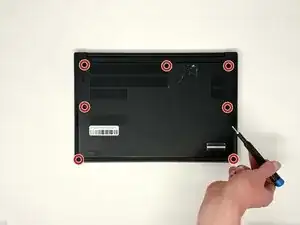
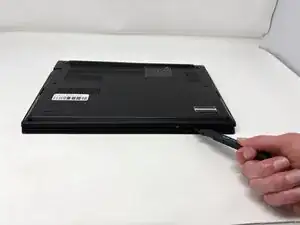
To replace the back cover, you’ll need to remove the screws securing it and carefully lift it away from the chassis.
Warning: Always power off your laptop and disconnect the charging adapter before removing the back cover or handling any internal components to avoid electrical damage or injury.
Ferramentas


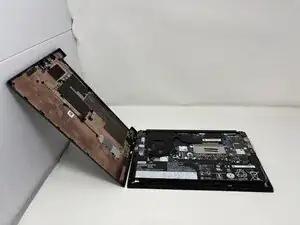
To reassemble your device, follow these instructions in reverse order.