Introdução
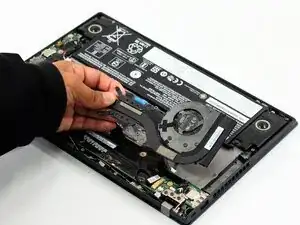
If your Thinkpad A285 feels hot or it's very loud, the fan may be dirty and needs to be cleaned, or it may have failed and needs to be replaced.
Before you use this replacement guide, please refer to the troubleshooting page to help determine what the problem could be or if your fan needs to be replaced.
Before you begin this repair, power off your device and unplug it from the outlet.


-
-
Flip your laptop over so the bottom panel is facing up.
-
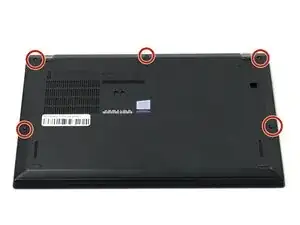
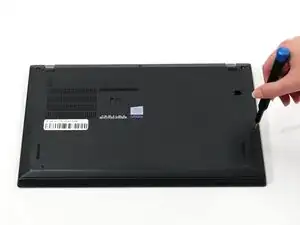
Use a Phillips #0 to loosen the five screws holding the back panel to the laptop.
-
Lift the bottom of the panel to separate the back panel away from the device.
-
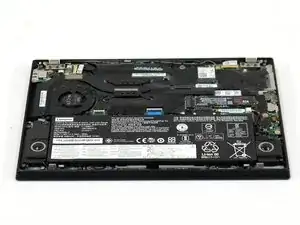
Remove the back panel.
-
-
-
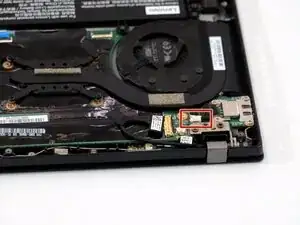
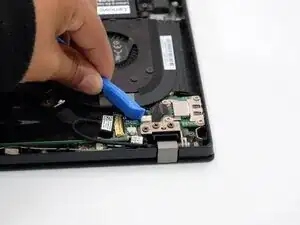
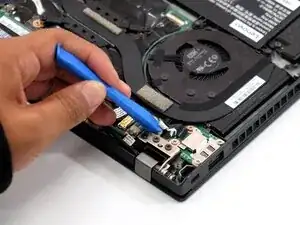
Use the point of a spudger or opening tool to push on alternating sides of the connector to "walk" it out of its socket.
-
-
-
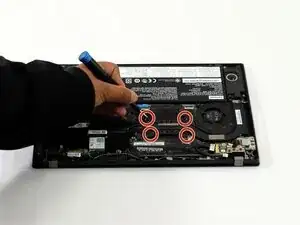
Use a Phillips #0 screwdriver to loosen the four screws holding the heat sink to the device.
-
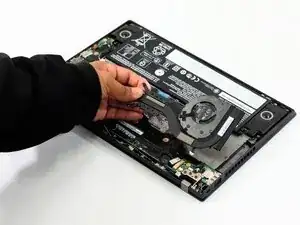
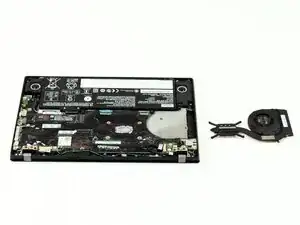
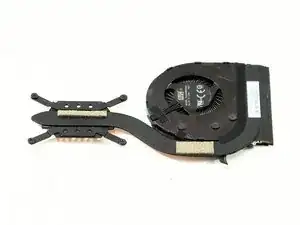
To reassemble your device, follow these instructions in reverse order. Take your e-waste to an R2 or e-Stewards certified recycler.
